How to install Scaffolding in Confluence
Here is how to install scaffolding in confluence
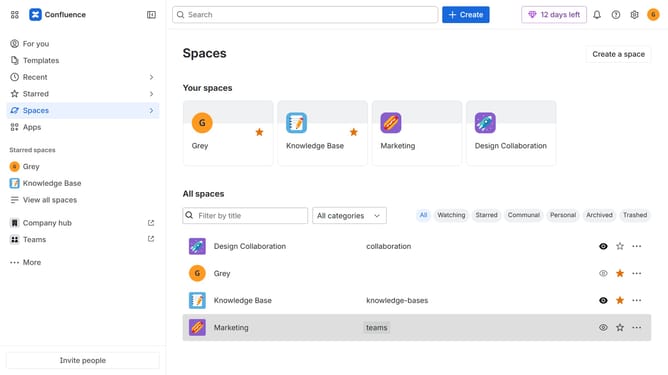
- First click on "Apps" in the navigation
- Next, select the "Explore more apps" option
- From the list, locate "Scaffolding Forms & Templates for Confluence" and click on it to open the app details page
- After that, click on the "Try it free" button
- Select the Confluence site where it will be installed
- Then click on the "Review" button to proceed
- Review the app details, permissions, and other information
- Finally, click on the "Start free trial" button
Why should you install Scaffolding in Confluence
Confluence is a dynamic collaboration tool that helps teams work together more efficiently.
Installing Scaffolding in Confluence enhances its functionality by allowing users to structure their content easily. With this feature, teams can organize information into customizable templates, which streamlines the documentation process.
This results in consistent data entry and improved clarity across projects. Utilizing Scaffolding in Confluence not only boosts productivity but also ensures that the information is always structured, accessible, and actionable.
Last update