How to configure time and date formats in Confluence
Here is how to configure time and date formats in confluence
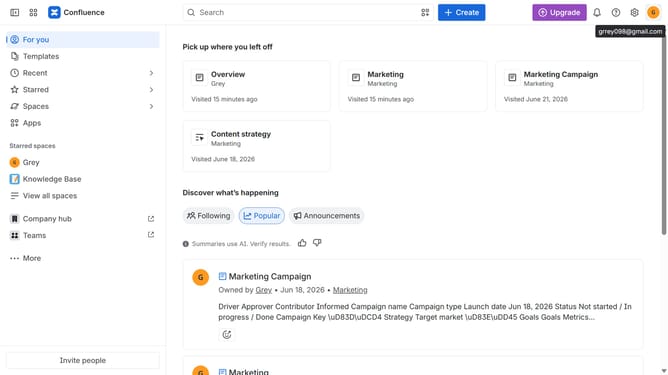
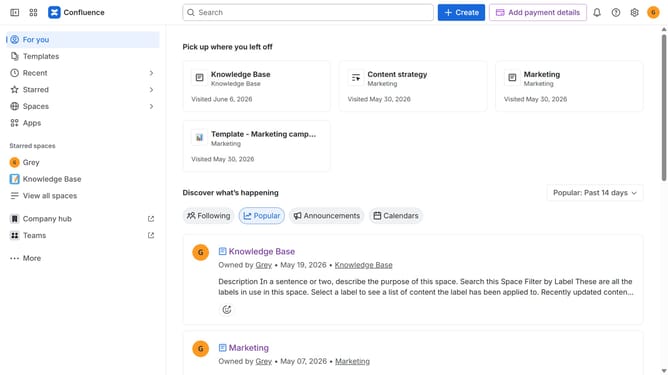
- First click on the gear icon in the top right header
- Find "Settings" in the Confluence administration menu
- Next click on "Configuration"
- After that, select "General configuration" in the submenu
- Scroll down to the "Formatting and international settings" section
- Then, update the time and date format values as needed
- Finally click on the "Save configuration changes" button to confirm
Why should you configure time and date formats in Confluence
Confluence is a powerful collaboration tool designed to help teams organize and share knowledge seamlessly.
Configuring time and date formats in Confluence enhances user experience by ensuring consistency across projects. This feature allows teams to personalize how they view dates and times, aligning them with regional preferences or personal choices.
Customizing these settings supports global teamwork by eliminating confusion and fostering seamless communication. It ensures that everyone is on the same page, regardless of where they are in the world.
Last update