How to disable the Risk assessment matrix blueprint in Confluence
Here is how to disable the risk assessment matrix blueprint in confluence
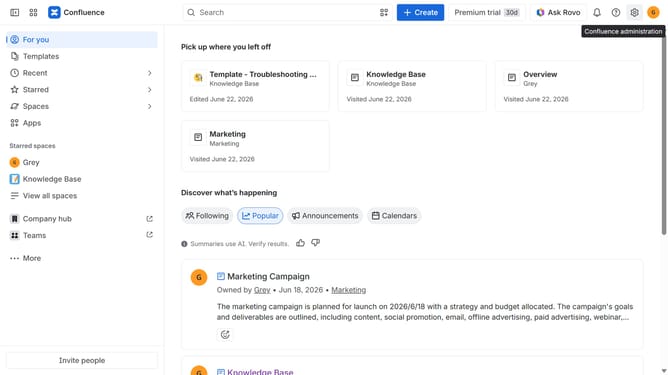
- First click on the gear icon in the top right header
- Click on "Configuration" in the left sidebar under Settings
- Next, select "Global templates and blueprints"
- After that, locate the "Global blueprints" section
- Then locate the "Risk assessment matrix" blueprint in the Global blueprints list
- Finally, turn off the toggle next to the blueprint to disable it
Why should you disable the Risk assessment matrix blueprint in Confluence
Confluence is a dynamic collaboration tool designed to streamline teamwork and enhance documentation.
Disabling the Risk assessment matrix blueprint in Confluence allows teams to maintain a lean interface by removing unused features.
This functionality is beneficial for teams focusing on customized processes, ensuring only relevant tools are active to enhance productivity.
Streamlining Confluence in this way can lead to more efficient project management, as well as reduced complexity in the workplace.
Last update