How to show viewer avatars on published pages in Confluence
Here is how to show viewer avatars on published pages in confluence
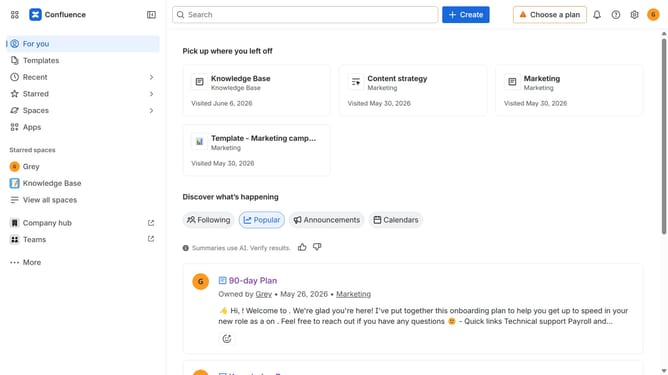
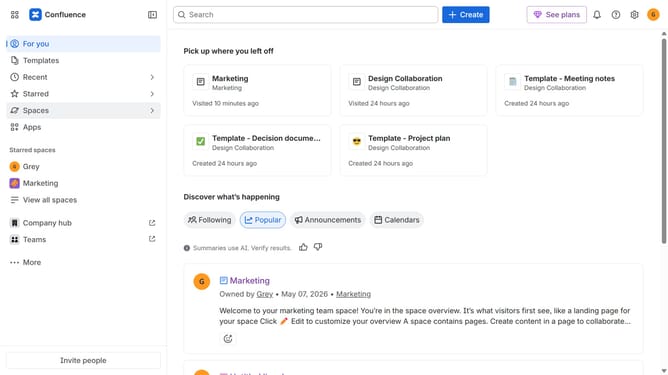
- First click on "Spaces" in the left sidebar
- Next click on the "View all spaces" option
- From the list, click the space you want to manage to open it
- Then click on the "three dots" button next to the space name in the sidebar
- From the dropdown menu, select the "Space settings" option
- In the left sidebar, click on "General"
- Then, locate the "Avatars on published content" option
- Finally, turn on the toggle to enable avatars on published content in the space
Why should you show viewer avatars on published pages in Confluence
Confluence is a powerful collaboration tool designed to empower teams to share knowledge and work together effortlessly.
One standout feature in Confluence is the ability to display viewer avatars on published pages. This feature offers a visual cue, allowing users to see who has viewed the content, fostering a sense of engagement and community.
Displaying avatars enhances transparency within a team, promoting accountability and encouraging participation. It aids in creating a more interactive and dynamic user experience, making team collaboration more impactful and personal.
Last update