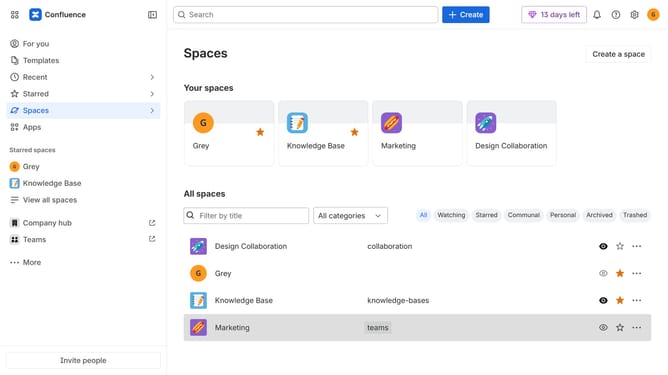
How to filter users by status in Confluence
Here is how to filter users by status in confluence
- First click on the "Switch sites or apps" button in the top left corner
- Next select "Administration" in the dropdown menu
- In the administration sidebar, click on "Directory"
- Select "Users" from the directory submenu
- After that, click on the "More +" button above the user list
- Then click on the checkbox next to "Status"
- Finally, select the status options you want to apply
Why should you filter users by status in Confluence
Confluence is a collaborative workspace designed to maximize team productivity and streamline information sharing.
One standout feature is the ability to filter users by status, a powerful tool for managing team dynamics and ensuring seamless communication.
This functionality allows administrators to quickly identify active and inactive users, which can aid in resource management and optimize team performance.
By filtering users by status, teams can enhance their efficiency, maintain accurate records, and focus on engaging the right contributors at the right time.
Last update