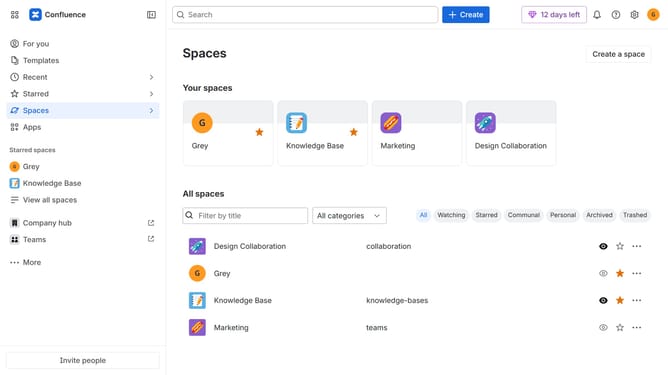
How to filter users by suspended status in Confluence
Here is how to filter users by suspended status in confluence
- First click on the "Switch sites or apps" button in the top left corner
- Next select "Administration" in the dropdown menu
- In the administration sidebar, click on "Directory"
- Select "Users" from the directory submenu
- After that, click on the "More +" button in the filtered search bar
- Then click on the checkbox next to "Status"
- Finally, select the "Suspended" option to filter by suspended users
Why should you filter users by suspended status in Confluence
Confluence is an innovative collaboration platform designed to streamline team communication and project management.
A key feature within Confluence is the ability to filter users by their suspended status, enhancing administrative oversight and efficiency. This feature helps administrators focus on active contributors and manage user databases effortlessly.
By filtering users who are suspended, organizations can ensure they are managing resources and permissions wisely, allowing them to maintain a secure and organized workspace without clutter.
Last update