How to install Numbered Headings in Confluence
Here is how to install numbered headings in confluence
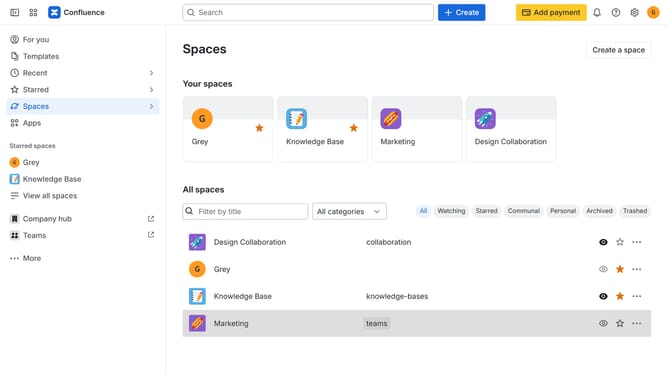
- First click on "Apps" in the navigation
- Next, select the "Explore more apps" option
- From the list, locate "Numbered Headings" and click on it to open the app details page
- Click on the "Try it free" or "Install" button
- Select the Confluence site where it will be installed
- Then click on the "Review" button to proceed
- Review the app details, permissions, and other information
- Finally, click on the "Start free trial" or "Confirm installation" button
Why should you install Numbered Headings in Confluence
Confluence is a collaborative workspace designed to organize, create, and share your team's knowledge efficiently.
By integrating Numbered Headings into Confluence, you can streamline your document structure, ensuring clarity and coherence across your projects.
This feature is particularly beneficial for maintaining uniformity in multi-section documents, making navigation smoother for both authors and readers.
It enhances readability, allowing users to follow a logical sequence, thereby boosting productivity and understanding amongst team members.
Last update