How to view the audit log in Confluence
Here is how to view the audit log in confluence
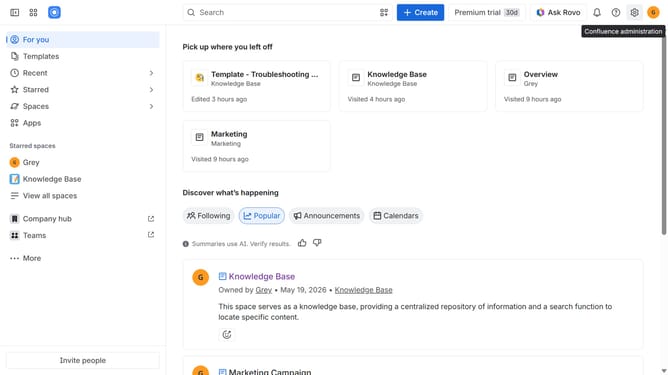
- First click on the gear icon in the header to open Confluence administration
- Then click on "Audit log" in the left sidebar under "Monitoring"
- The audit log will now be displayed. Scroll through the log to view additional entries if needed
Why should you view the audit log in Confluence
Confluence streamlines team collaboration by providing a robust platform for sharing and managing content.
One noteworthy feature is the audit log, allowing users to examine changes and activities within the platform. Having access to the audit log helps ensure transparency and fosters a secure environment.
By understanding the modifications made over time, teams can track accountability, identify inefficiencies, and enhance their workflow processes. Embracing this feature leads to a more efficient and collaborative work atmosphere.
Last update