How to allow email notifications for all Confluence users
Here is how to allow email notifications for all confluence users
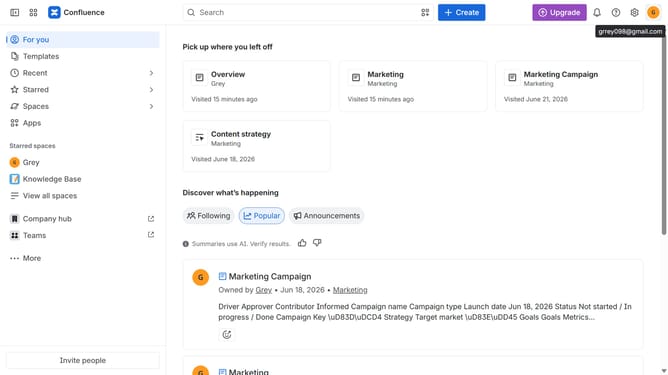
- First click on the gear icon in the top right header to open the Confluence administration menu
- Find "Settings" in the Confluence administration menu
- Next click on "Configuration"
- Then select "General configuration" in the submenu
- In the General configuration section, locate the "Email notification" option
- Then, check the checkbox to enable email notifications
- Finally click on the "Save configuration changes" button to apply the changes
Why should you allow email notifications for all Confluence users
Confluence is a robust platform designed to enhance team collaboration and streamline project management.
One of its powerful features is the ability to enable email notifications for all users.
By ensuring everyone receives timely updates, this feature keeps team members informed and aligned on project developments. Eliminate missed communications and bolster productivity with instant access to essential information.
Facilitating swift decision-making and keeping projects on track, email notifications are a game-changer in enhancing team efficiency and collaboration within Confluence.
Last update