How to manage whiteboards in a Confluence space
Here is how to manage whiteboards in a confluence space
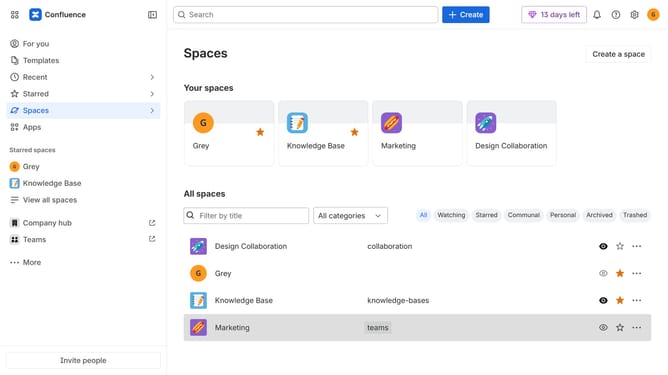
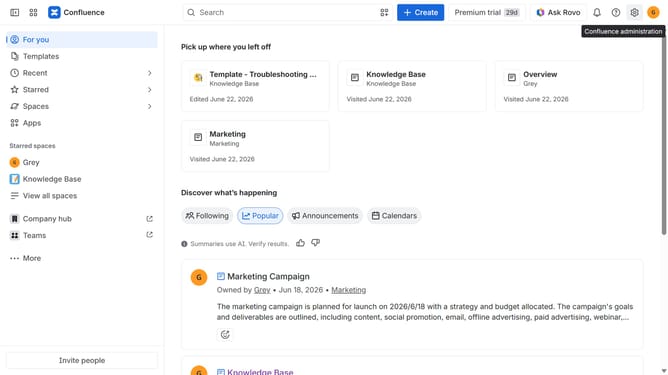
- First click on "Spaces" in the left sidebar
- Next click on the "View all spaces" option
- From the list of spaces, select the space you want to manage features for
- Then click on the "three dots" button next to the space name in the sidebar
- From the dropdown menu, select the "Space settings" option
- Next click the "General" menu in the left sidebar
- Select "Features" from the submenu
- Then, locate the “Whiteboards” feature in the Content section
- Finally, turn the toggle on or off depending on your preference to enable or disable whiteboards features for the space
Why should you manage whiteboards in a Confluence space
Confluence is a collaborative workspace that empowers teams to share knowledge and ideas effortlessly.
Managing whiteboards within a Confluence space enhances creative and strategic engagements by allowing team members to visualize concepts dynamically.
This feature encourages collaboration through real-time updates and interactive visuals, making complex ideas more digestible.
Using whiteboards in Confluence boosts productivity, fosters innovation, and strengthens team coherence in a visually engaging way.
Last update