How to enable related content in a Confluence space
Here is how to enable related content in a confluence space
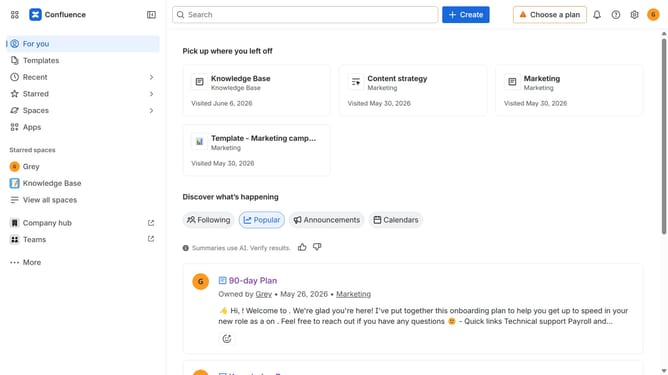
- First click on "Spaces" in the left sidebar
- Next click on "View all spaces" in the dropdown menu
- From the list of spaces, select the space you want to manage
- Click on the "More actions" button (three dots) next to the space name
- Next, select "Space settings" from the dropdown menu
- In the left sidebar, click on "General"
- Then, select the "Related content" menu
- Finally, turn on the "Related content" toggle to enable related content suggestions for the space
Why should you enable related content in a Confluence space
Confluence is a powerful collaboration platform designed to enhance team productivity and information sharing.
Enabling related content in a Confluence space empowers users to easily discover relevant pages, documents, and information connected to their current work, fostering a smarter and more efficient collaboration environment.
This feature intuitively suggests pertinent content, helping teams streamline their workflow by effortlessly connecting related ideas and documents, thereby minimizing the time spent searching for information.
Ultimately, utilizing related content elevates the overall user experience in Confluence, encouraging knowledge sharing and improving navigation within the platform.
Last update