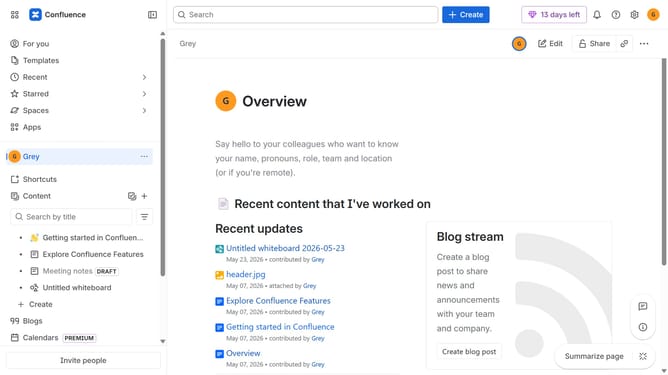
How to filter apps by Incident Management use case in the Confluence Marketplace
Here is how to filter apps by incident management use case in the confluence marketplace
- First click on "Apps" in the left sidebar
- Next, click on the "Explore more apps" option
- Click on the "Use cases" filter below the search bar
- Then, select the "Incident Management" checkbox
- Optionally, select additional use case options
Why should you filter apps by Incident Management use case in the Confluence Marketplace
Confluence is a powerful platform designed to enhance team collaboration and streamline project management.
In the Confluence Marketplace, filtering apps by the Incident Management use case allows users to efficiently find solutions tailored to managing and resolving unexpected issues.
By narrowing down options to Incident Management, teams can quickly integrate tools that assist in real-time monitoring and coordinated team responses, minimizing downtime.
This filtered approach enhances productivity by ensuring teams access apps that are specifically optimized for reliable incident resolution.
Last update