How to download a space report in Confluence
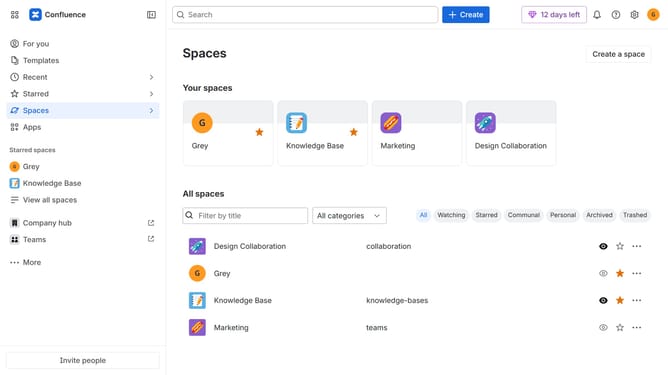
Here is how to download a space report in confluence
- First click on the settings icon in the top right corner to open confluence administration
- In the sidebar, click on "Data management"
- Next select "Space reports" in the submenu
- Then, create a new report or locate the report you want to download
- Finally click on the "Download" button to download the report
Why should you download a space report in Confluence
Confluence is a robust collaboration tool that organizes and manages team knowledge efficiently.
Downloading a space report in Confluence allows you to keep detailed records of your project's development and team activities. This feature supports informed decision-making by providing comprehensive insights into space utilization.
By utilizing the space report download feature, teams can effortlessly monitor progress and ensure everyone stays on the same page, fostering transparent communication.
Last update