How to make an announcement banner dismissible in Confluence
Here is how to make an announcement banner dismissible in confluence
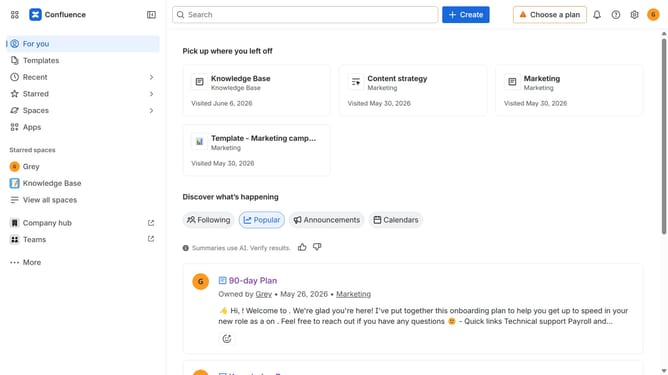
- First click on the gear icon in the header to open Confluence administration
- In the sidebar, click on "Announcements"
- Next, create a new announcement or open an existing one
- Scroll down to the "Users can dismiss the banner" setting
- Then, turn the toggle on to allow users to dismiss the banner
- Finally, click on the "Publish" or "Update" button
Why should you make an announcement banner dismissible in Confluence
Confluence is a dynamic collaboration tool designed to enhance team productivity and project management through intuitive and unified communication.
Making an announcement banner dismissible in Confluence is a feature that ensures your important messages are both visible and non-intrusive. This allows users to acknowledge updates or alerts without the ongoing distraction.
The ability to dismiss banners enhances user experience by offering flexibility and reducing clutter. Teams can focus on their tasks with ease while staying informed of critical information when necessary. This feature fosters a balance between communication and productivity.
Last update