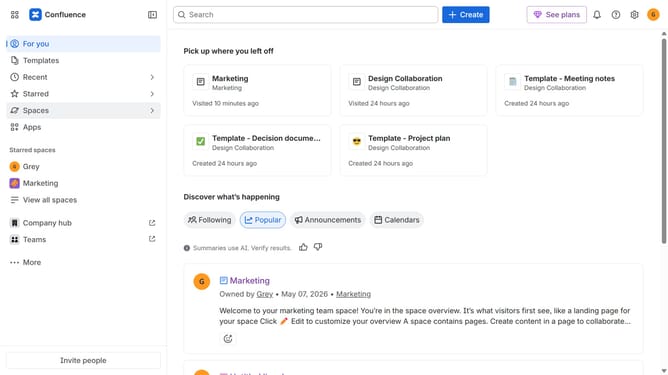
How to customize navigation in Confluence
Here is how to customize navigation in confluence
- First, click on the gear icon in the header to open Confluence administration
- Click on "Look and feel" in the settings menu
- Next click on "Customize navigation" in the submenu
- Under "Upload custom logo", click on the "Select file to upload or drag and drop here" area
- Then select a file from your device
- Under "Select navigation colors", select the dropdown menus for Highlight color
- Then enter a color code or use the color picker to select a color
- Next click the dropdown menus for Background color and select a color
- Finally click on the "Save" button
Why should you customize navigation in Confluence
Confluence is a powerful collaboration tool designed to help teams organize work and share knowledge effortlessly.
Customizing navigation in Confluence empowers users by allowing them to tailor their workspace for maximum efficiency. It offers the flexibility to organize information and streamline access to essential content.
With personalized navigation, teams can enhance productivity as information becomes more accessible and less time is lost searching for critical documents. This adaptability ensures a seamless experience, fostering a productive and cohesive work environment.
Last update