How to republish an archived announcement banner in Confluence
Here is how to republish an archived announcement banner in confluence
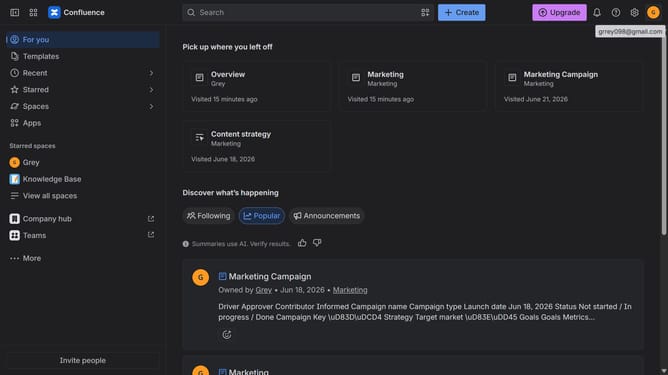
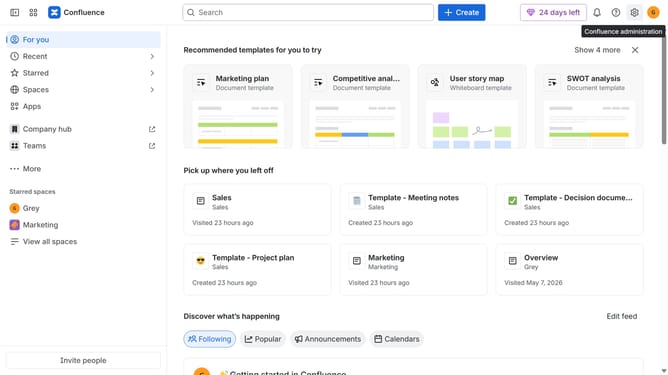
- First click on the gear icon in the header to open Confluence administration
- Select "Announcements" from the sidebar
- Next, locate the archived announcement banner you want to republish
- Then click on the "Copy" button in the Actions column
- From here, update the title, message, audience, color, or schedule settings if needed
- Finally, click on the "Publish" button at the bottom of the page
Why should you republish an archived announcement banner in Confluence
Confluence is an intuitive workspace that empowers teams to collaborate and organize project documentation seamlessly.
The feature of republishing an archived announcement banner in Confluence is a valuable tool for maintaining ongoing communication within your organization. By bringing back an archived banner, users can easily resurface important announcements that may become relevant again, without having to recreate the banner from scratch.
This feature not only saves time but ensures continuity in messaging, making organizational communication streamlined and efficient. With Confluence facilitating effortless information management, teams remain informed and aligned with ease.
Last update