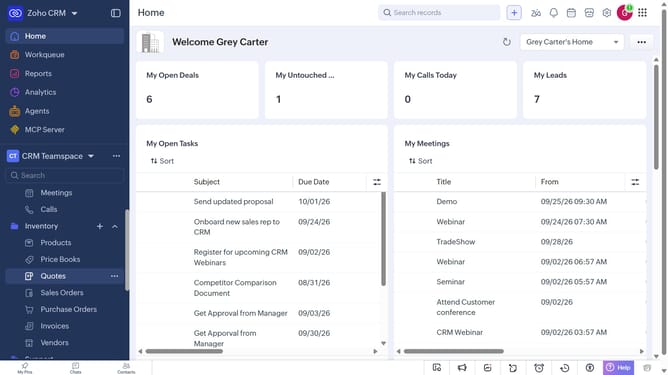
How to disable Magnify Text on Hover on Zoho CRM
Here is how to disable magnify text on hover on zoho crm
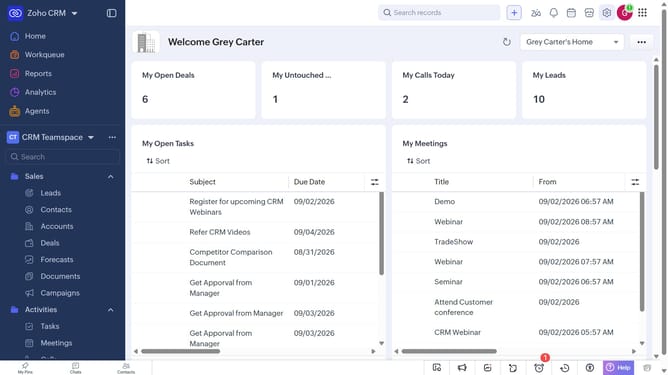
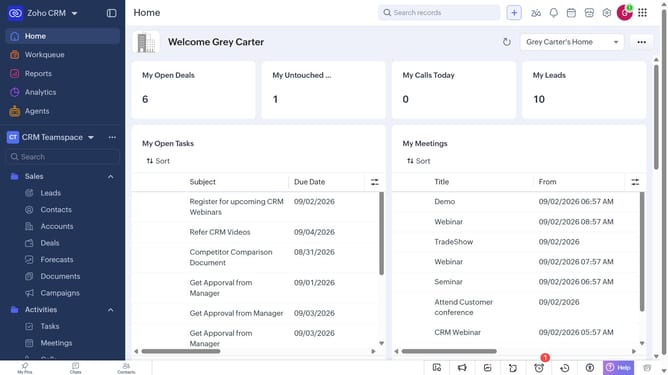
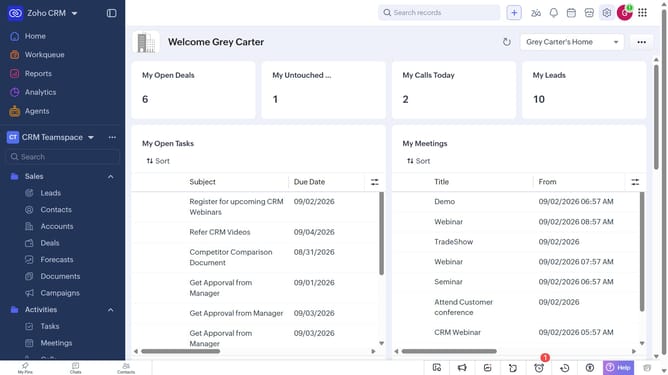
- First click on the settings icon in the top menu
- Next click on "Personal Settings" under the "General" section
- Click on the "Accessibility" tab
- After that, click on the "Vision" tab
- Then, locate the "Magnify Text on Hover" option
- Finally, turn off the toggle next to it
Why should you How to disable Magnify Text on Hover on Zoho CRM
Zoho is an all-in-one cloud software suite designed to enhance business productivity and streamline operations.
One of Zoho CRM's features, Magnify Text on Hover, can be a helpful tool for users who prefer detailed, easy-to-read information when navigating extensive data fields. However, for those who find it visually overwhelming, disabling this feature can create a more streamlined and distraction-free experience.
By turning off Magnify Text on Hover, users can enjoy a cleaner, more focused interface which can enhance efficiency and reduce eye strain, ultimately leading to a more enjoyable user experience.
Last update