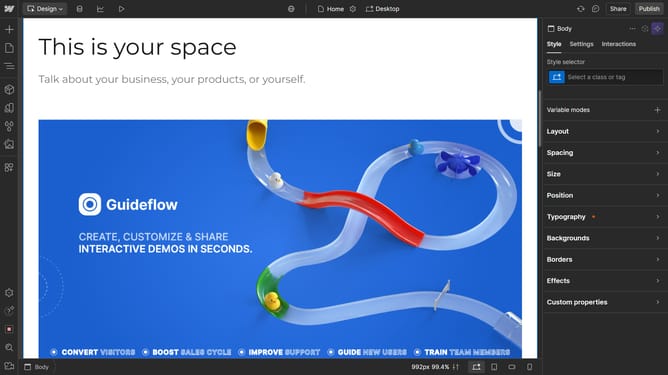
How to delete a section in Webflow
Here is how to delete a section in webflow
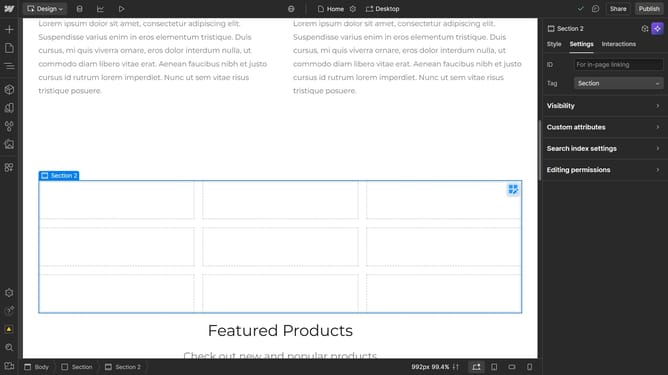
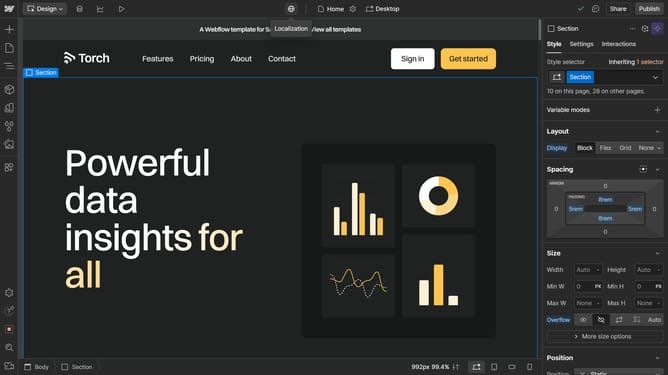
- First click the section you want to delete in the main content region
- Then click on the "Navigator" button in the left sidebar
- Next right click the highlighted section
- Finally click on the "Delete" option in the context menu of the selected Section
Why should you delete a section in Webflow
Webflow is a robust platform designed to empower users to craft responsive websites with ease.
Deleting a section in Webflow is a feature that elegantly streamlines your design process by allowing you to effortlessly remove unnecessary elements, keeping your webpage clutter-free and efficient.
This capability ensures you maintain a clean, focused design, which is crucial for optimal user experience and functionality. By simplifying your site, it focuses attention on key content, enhancing both performance and aesthetics.
Overall, using this feature helps in refining your web content and aligning it with your overall vision and goals.
Last update