How to customize the thank-you message for a form in Airtable
Here is how to customize the thank-you message for a form in airtable
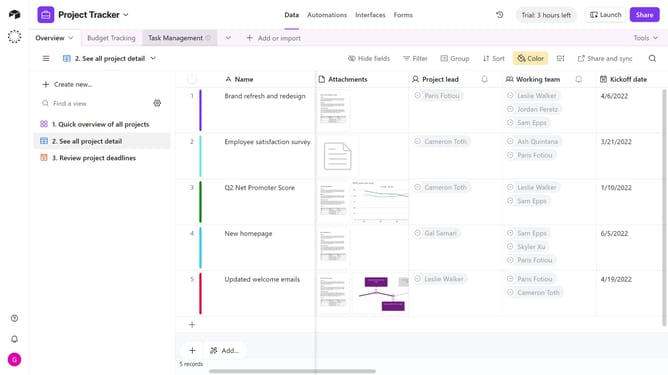
- First navigate to the base that contains your form and open the "Forms" tab
- Select the form you want to edit in the forms list
- Next, click on the edge of the form’s canvas to open the Properties panel on the right
- Locate the "Message" option in the right sidebar settings
- Next click on the message text input field to edit the submission confirmation message
- Then click inside the message dialog box and enter your custom thank-you message
- Finally click on the "Publish" button in the top right corner to save your changes
Why should you customize the thank-you message for a form in Airtable
Airtable is a versatile platform that empowers users to organize their work effortlessly.
Customizing the thank-you message for a form in Airtable allows users to add a personal touch to their interactions. This feature enhances communication by acknowledging submissions in a way that resonates with your brand's voice.
By tailoring your thank-you message, you can create a more engaging and memorable experience for respondents, boosting the overall impact of your form.
Last update