How to convert other objects into cards in a Miro board
Here is how to convert other objects into cards in a miro board
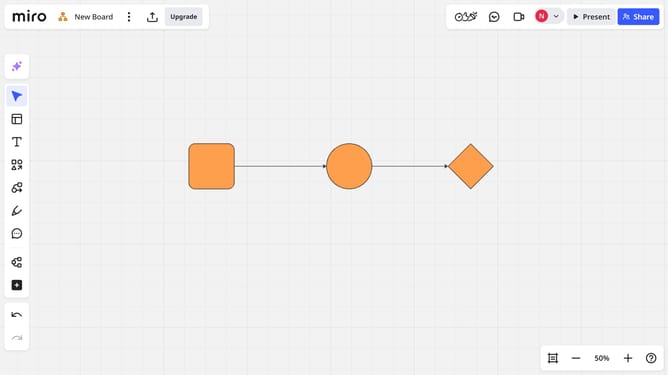
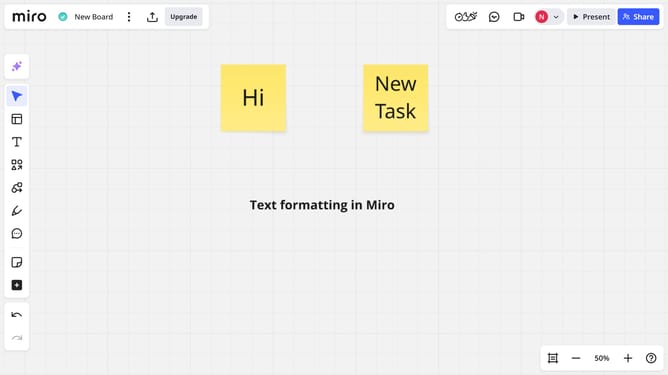
- First open a board and select the object you want to convert (e.g., shape, sticky note, text box)
- Then click on the "Switch type" icon in the toolbar that appears
- Finally from the dropdown, Select the "Card" option
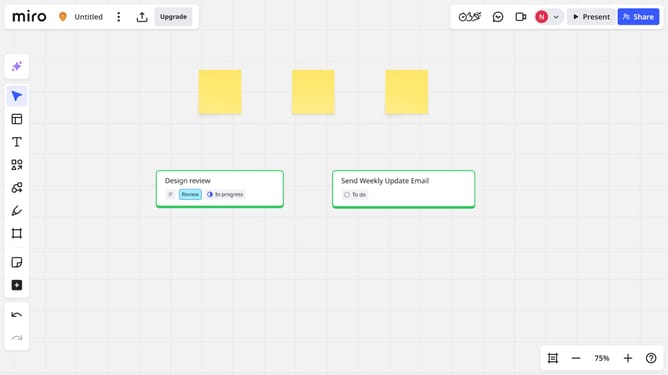
- The object will instantly convert into a card
Why should you convert other objects into cards in a Miro board
Miro is a versatile online collaborative whiteboard platform designed to streamline teamwork and spark creativity.
By converting other objects into cards on a Miro board, users can seamlessly transform scattered ideas into organized, actionable items.
This feature enhances project management by allowing for easy tracking and prioritization of tasks, thus simplifying complex workflows.
Ultimately, it empowers teams to focus on innovation and collaboration, reducing time spent on organization.
Last update