How to clear custom field data in Trello
Here is how to clear custom field data in trello
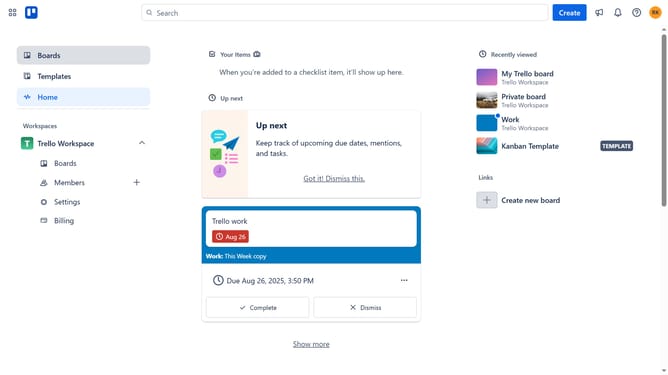
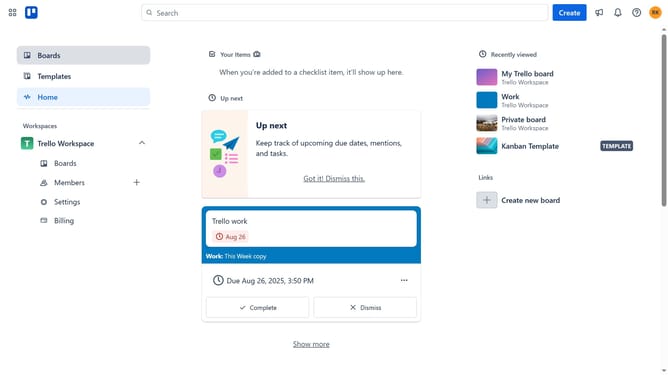
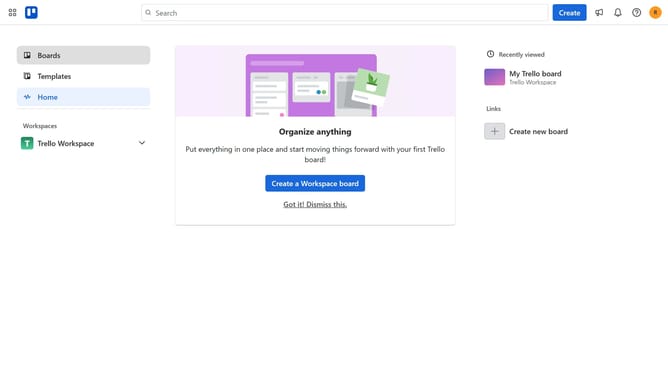
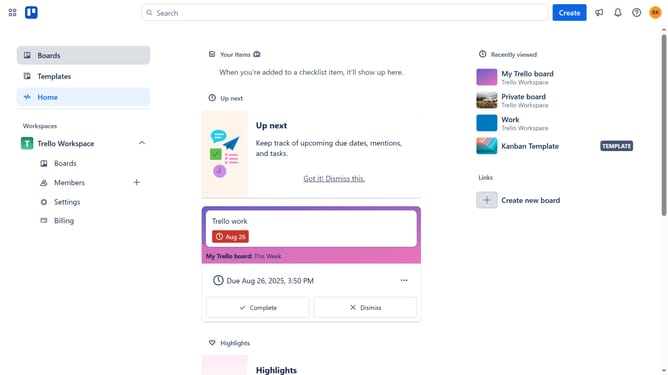
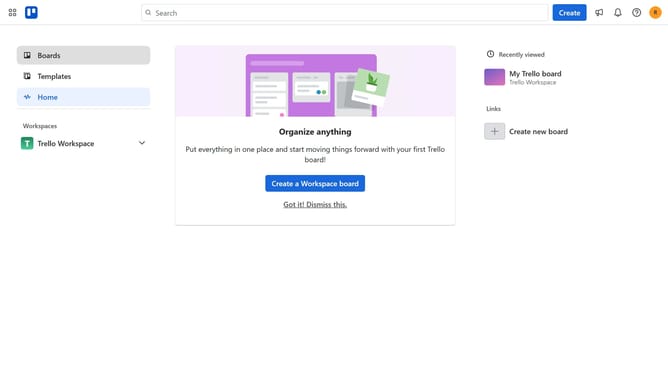
- First click on the "Boards" item in the left sidebar menu
- Then click on the board that contains the card with the custom field you want to clear in the workspace section
- Next click on the card that has custom fields you want to clear
- Then scroll down until you reach the custom fields section
- Next delete the value or reset the dropdown for the custom field you want to clear
- Finally click the "X" button in the top-right corner of the card details to close the card details Trello will automatically save the changes
Why should you clear custom field data in Trello
Trello is a dynamic project management tool designed to enhance organization and productivity.
Clearing custom field data in Trello ensures your boards remain streamlined and relevant, enhancing efficiency by removing outdated or unnecessary details.
This feature aids in maintaining focus, fostering an organized workspace where only the most current and pertinent information is highlighted, thereby reducing clutter.
By routinely updating your boards, Trello continues to be a powerful ally in productive project management and clarity in team communication.
Last update