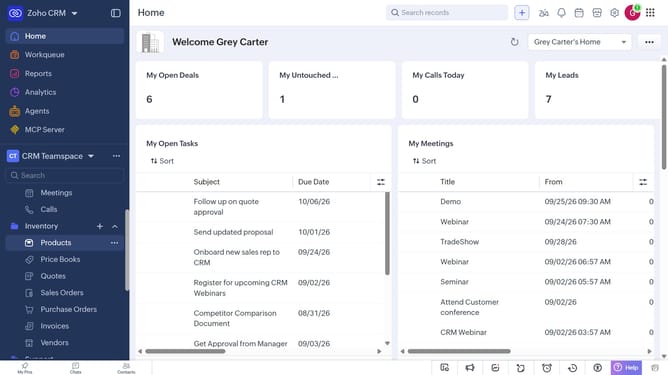
How to change the time zone on Zoho CRM
Here is how to change the time zone on zoho crm
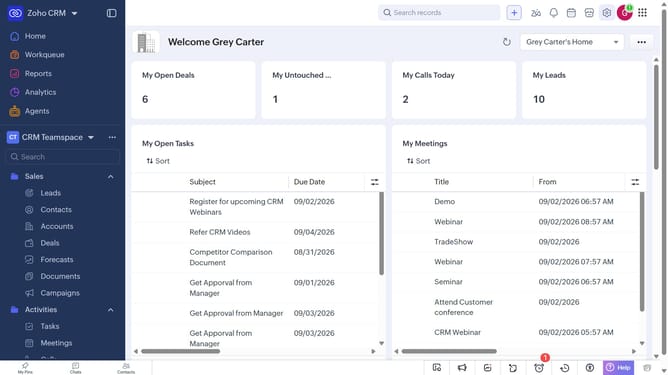
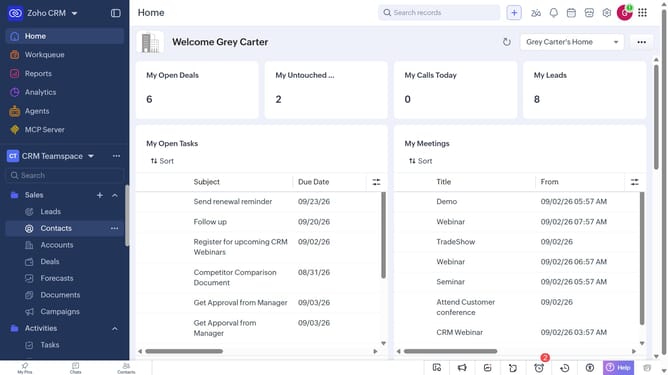
- First click on the settings icon in the top right corner
- Click on "Personal Settings" under the "General" section
- Next, click on the pencil icon next to "Locale information"
- After that, click on the "Time Zone" dropdown
- Then, select your preferred time zone from the dropdown menu
- Finally click on the "Save" button
Why should you How to change the time zone on Zoho CRM
Zoho CRM is a powerful tool designed to streamline customer relationship management for businesses of all sizes.
One standout feature is the ability to change the time zone, ensuring that you manage your global operations seamlessly. Adjusting the time zone means your activities and communications are always synced with clients and team members across different regions.
This feature enhances accuracy in scheduling meetings and setting deadlines, eliminating any confusion caused by time zone discrepancies. Ultimately, it boosts collaboration and efficiency, making your CRM interactions more effective and timely.
Last update