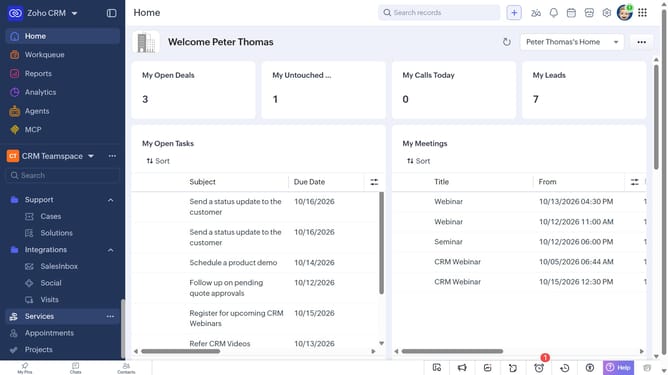
How to set Reading Focus to Small on Zoho CRM
Here is how to set reading focus to small on zoho crm
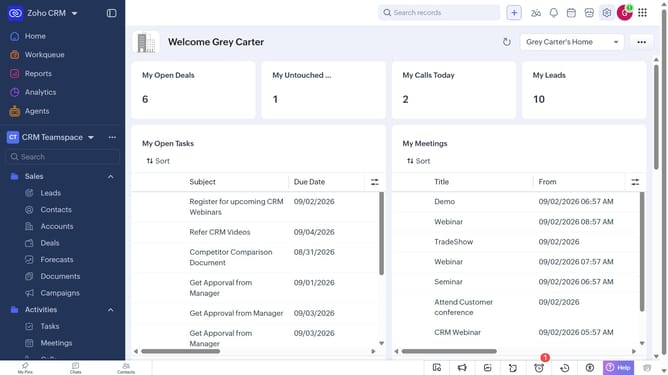
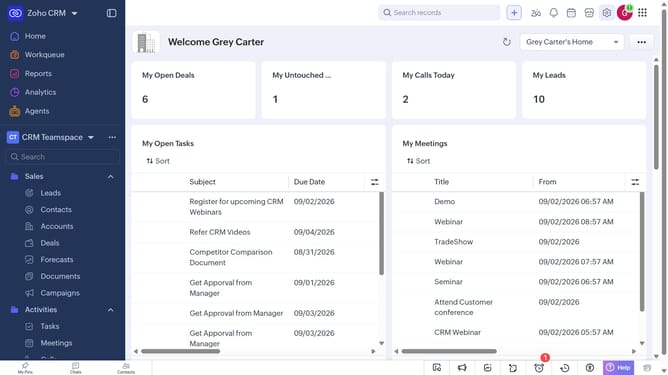
- First click on the settings icon in the top menu
- Next click on "Personal Settings" under the "General" section
- Click on the "Accessibility" tab
- After that, click on the "Interaction" tab
- Then, locate the "Reading focus" option
- Click the toggle switch to enable this option
- Then, click on the dropdown
- Finally, select "Small" from the dropdown
Why should you How to set Reading Focus to Small on Zoho CRM
Zoho CRM is a versatile tool designed to simplify customer relationship management and enhance business efficiency.
Setting the Reading Focus to Small on Zoho CRM can transform how you interact with your data.
This feature allows you to adjust the text size in your CRM view, ensuring a more concise and focused display. By customizing your reading experience, you can streamline your workflow, reduce distractions, and quickly locate important information.
Utilizing the Small Focus option not only enhances readability but also boosts productivity by minimizing screen clutter and helping maintain concentration on key details.
Last update