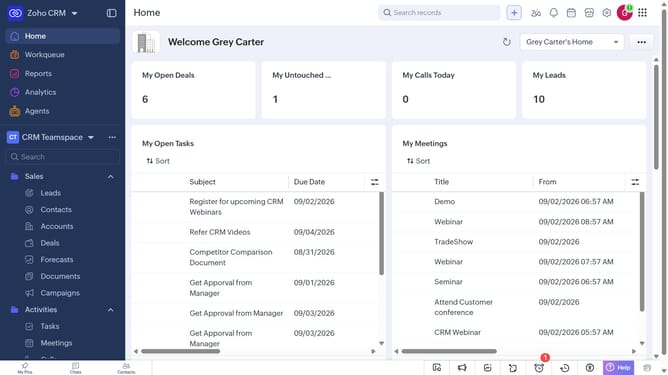
How to change the font size on Zoho CRM
Here is how to change the font size on zoho crm
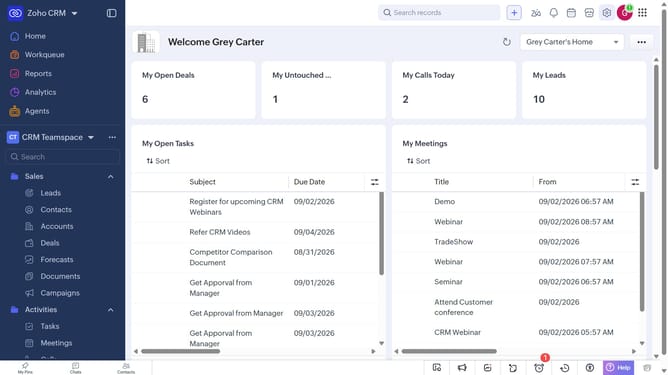
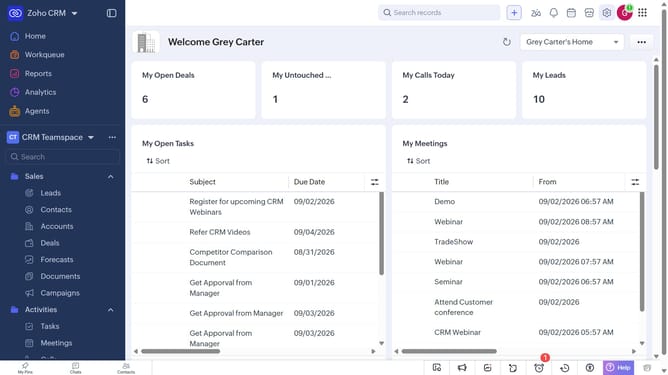
- First click on the settings icon in the top menu
- Next click on "Personal Settings" under the "General" section
- Click on the "Accessibility" tab
- After that, click on the "Vision" tab
- Then, locate the "Font Size" option
- Finally, click on one of the four font sizes available in the slider
Why should you How to change the font size on Zoho CRM
Zoho is a versatile platform designed to streamline all your business needs with its comprehensive suite of applications.
Amongst its many features, the ability to change the font size in Zoho CRM stands out, offering users the flexibility to customize their viewing experience. Adjusting font size can greatly enhance content legibility, allowing you to focus on data without straining your eyes.
This simple customization can be particularly beneficial during long work sessions, enhancing productivity and ensuring data is easily accessible for both you and your team.
Last update