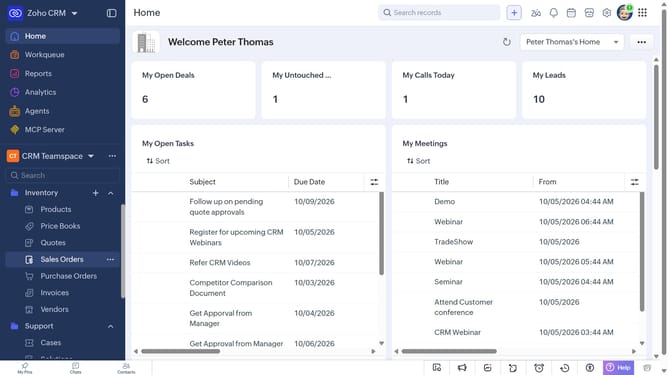
How to enable Form Display Mode on Zoho CRM
Here is how to enable form display mode on zoho crm
- First click on the settings icon in the top menu
- Next click on "Personal Settings" under the "General" section
- Click on the "Accessibility" tab
- After that, click on the "Vision" tab
- Then, locate the "Form Display Mode: Show mandatory fields only or all fields" option
- Finally, turn on the toggle next to it
Why should you How to enable Form Display Mode on Zoho CRM
Zoho CRM is an innovative tool designed to streamline your customer relationship management process.
Form Display Mode in Zoho CRM enhances the way you interact with data by offering a clean, organized view of your customer information. This feature allows you to focus on what's essential, minimizing distractions and enhancing productivity.
By enabling Form Display Mode, you streamline data entry and review, ensuring faster access to critical customer insights. This not only boosts efficiency but also improves decision-making processes, helping your team achieve better results effortlessly.
Last update