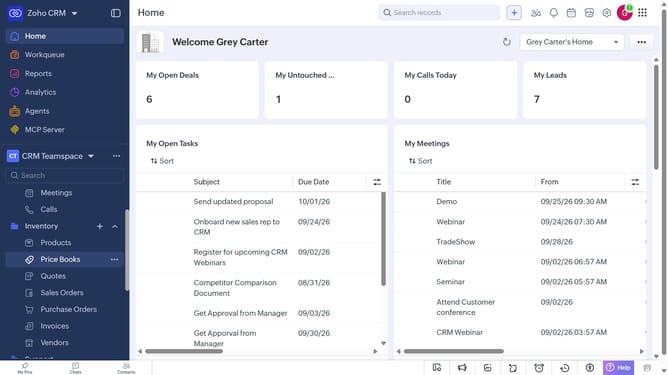
How to change the display mode on Zoho CRM
Here is how to change the display mode on zoho crm
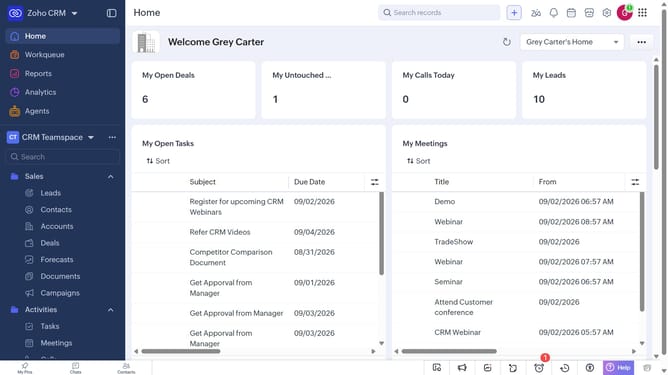
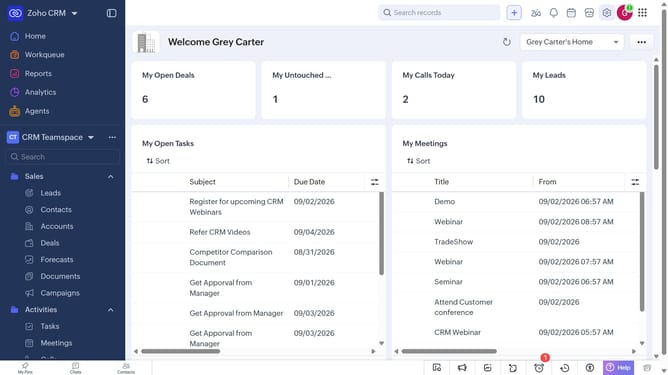
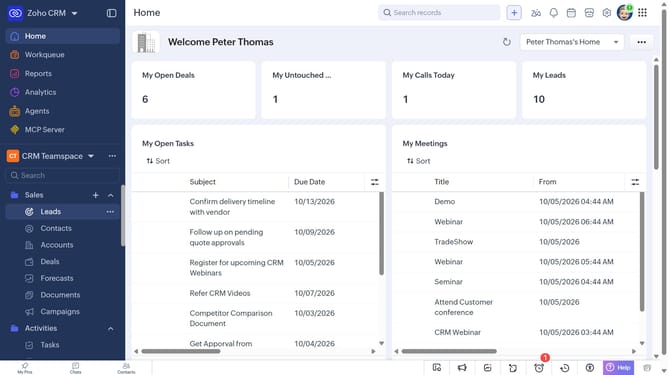
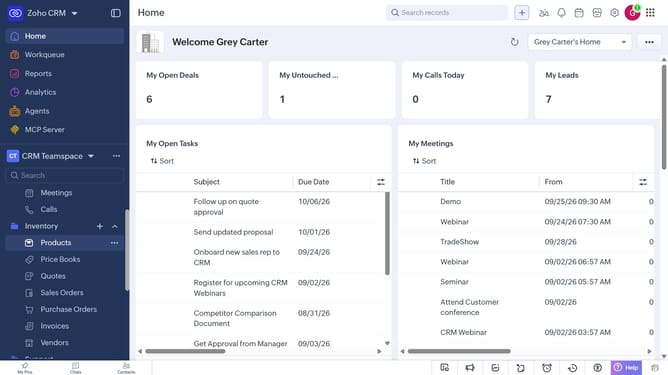
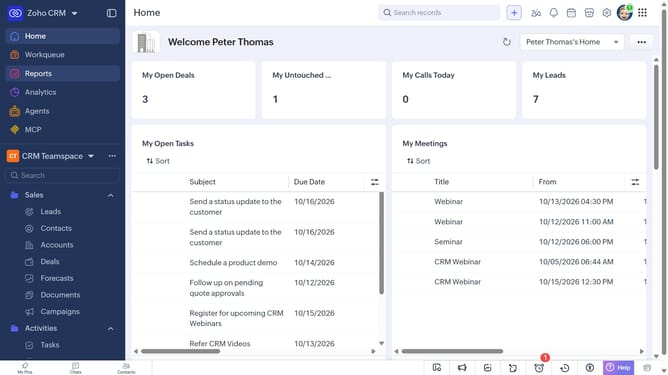
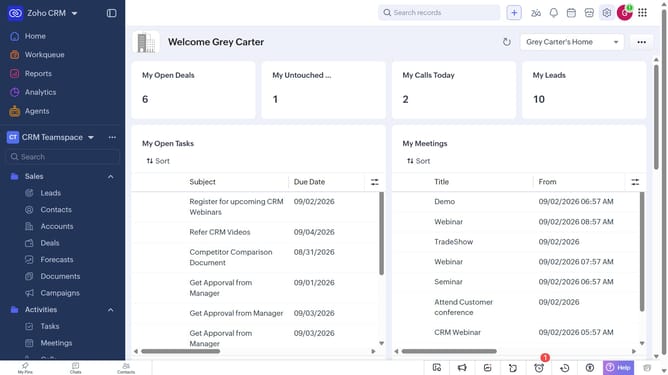
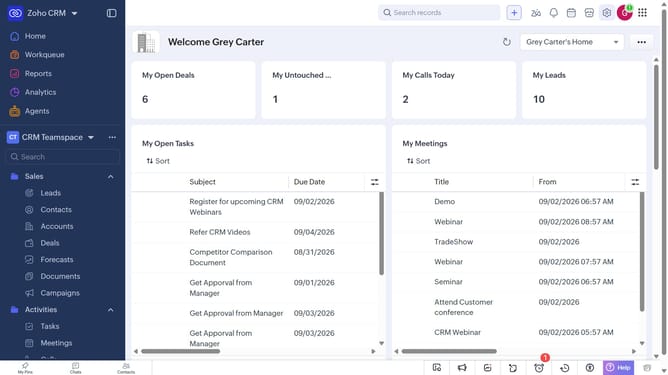
- First, click on your avatar profile in the header
- Next locate the "Mode" section
- Then, select your preferred mode
Why should you How to change the display mode on Zoho CRM
Zoho CRM is an intuitive platform designed to enhance and manage customer relationships efficiently.
One noteworthy feature is the ability to change the display mode, allowing users to customize their interface according to their preferences and needs. This adaptability ensures a user-friendly experience tailored to individual workflows.
Utilizing the display mode settings can lead to increased productivity, as it helps users focus on what matters most and simplifies navigation across different tools and modules.
The flexibility in display settings also enables seamless transitions between various tasks, enhancing overall efficiency and satisfaction in daily operations.
Last update