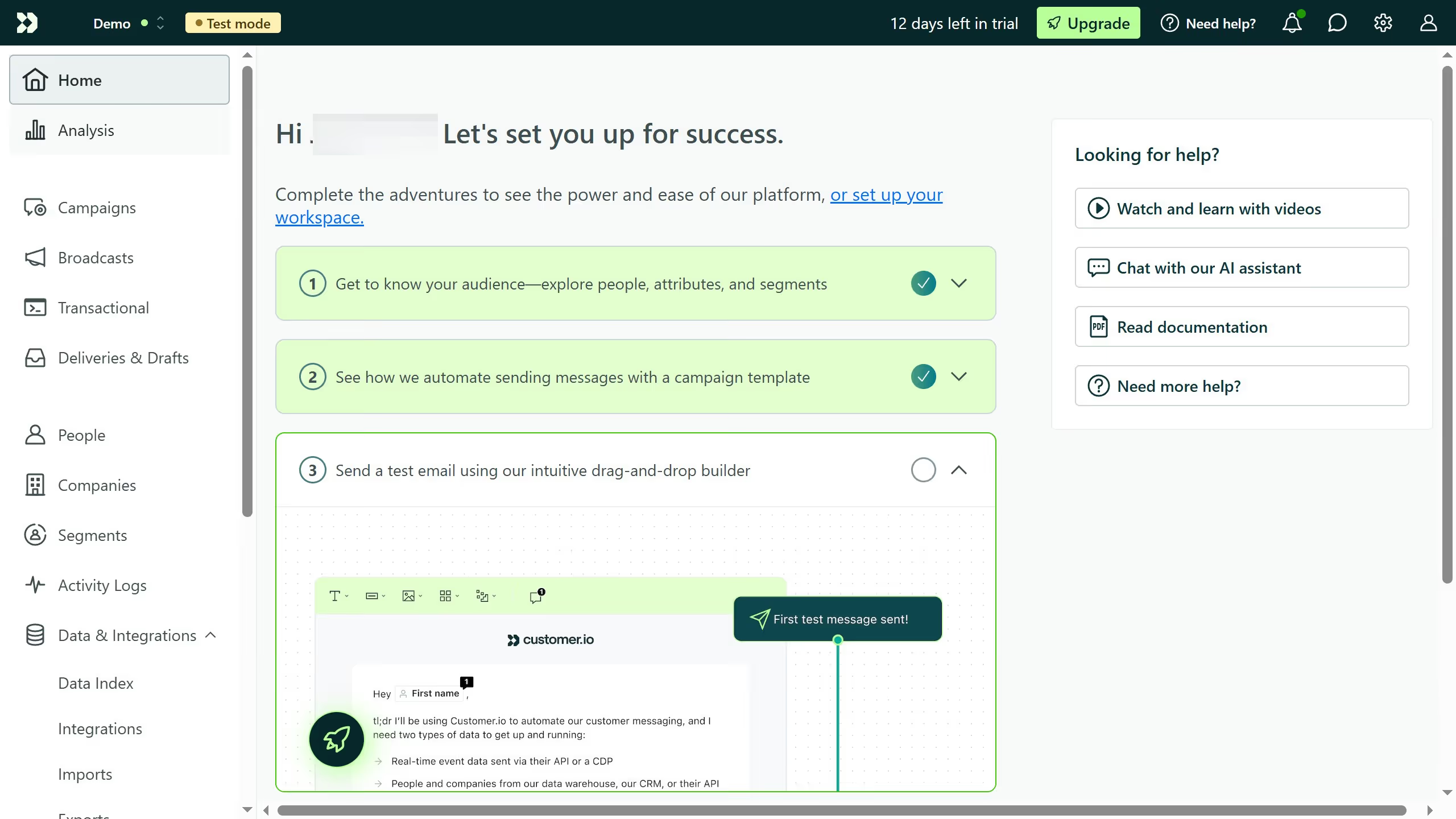
Here is how to change a campaign state in customer.io
- First click on "Campaigns" in the left sidebar menu
- Then locate the campaign whose state you want to change and click on the three vertical dots next to it
- Select Stop, Archive, or Delete from the dropdown options
- In the corfirmation dialog, confirm your choice to change the campaign state
- You have successfully changed the state of the campaign