Customer.io
Customer.io is a messaging automation platform for personalized customer engagement.
Website
Industry
Marketing
Share this article:

How to search for campaigns in Customer.io

Here is how to search for campaigns in customer.io

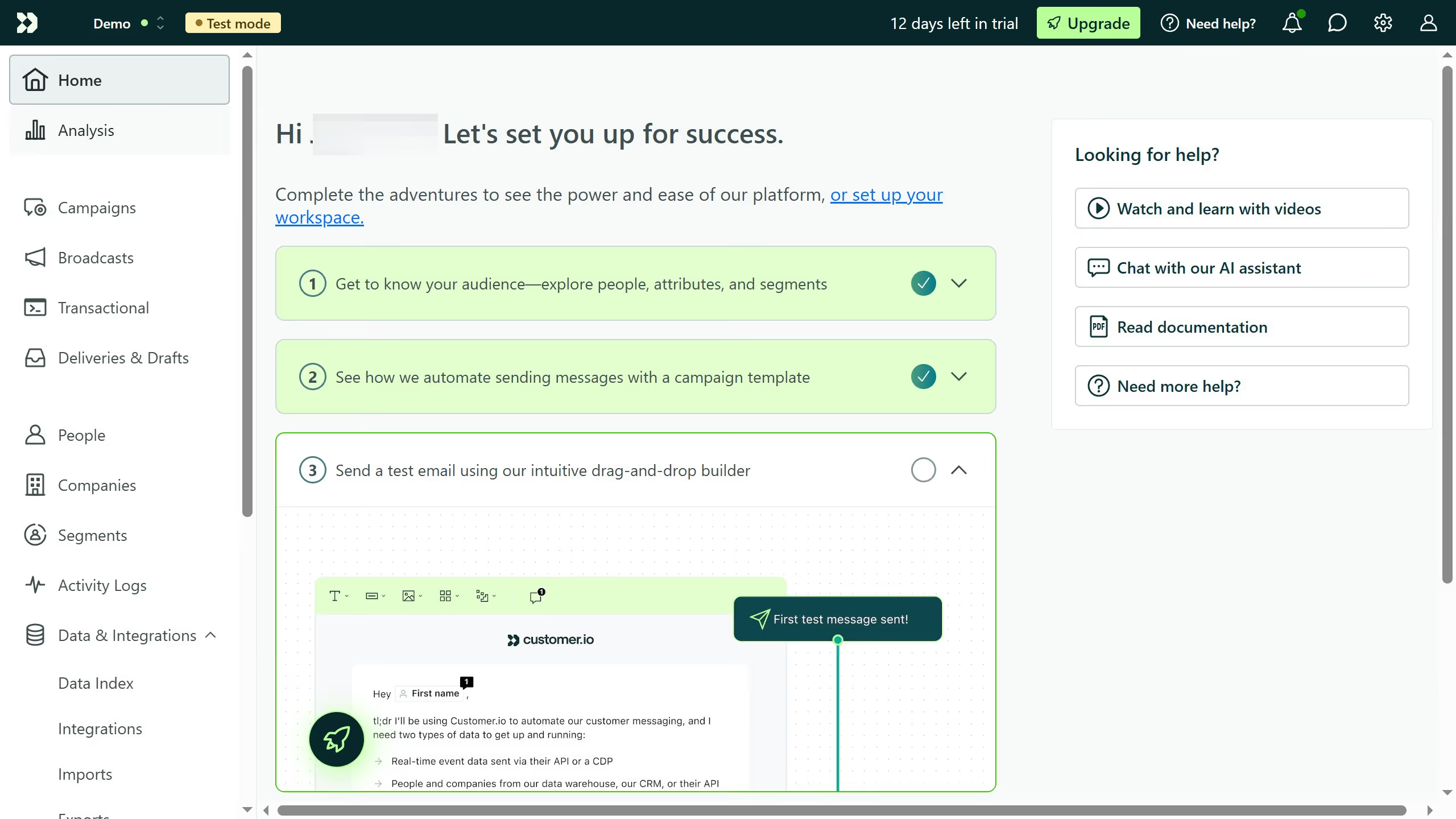
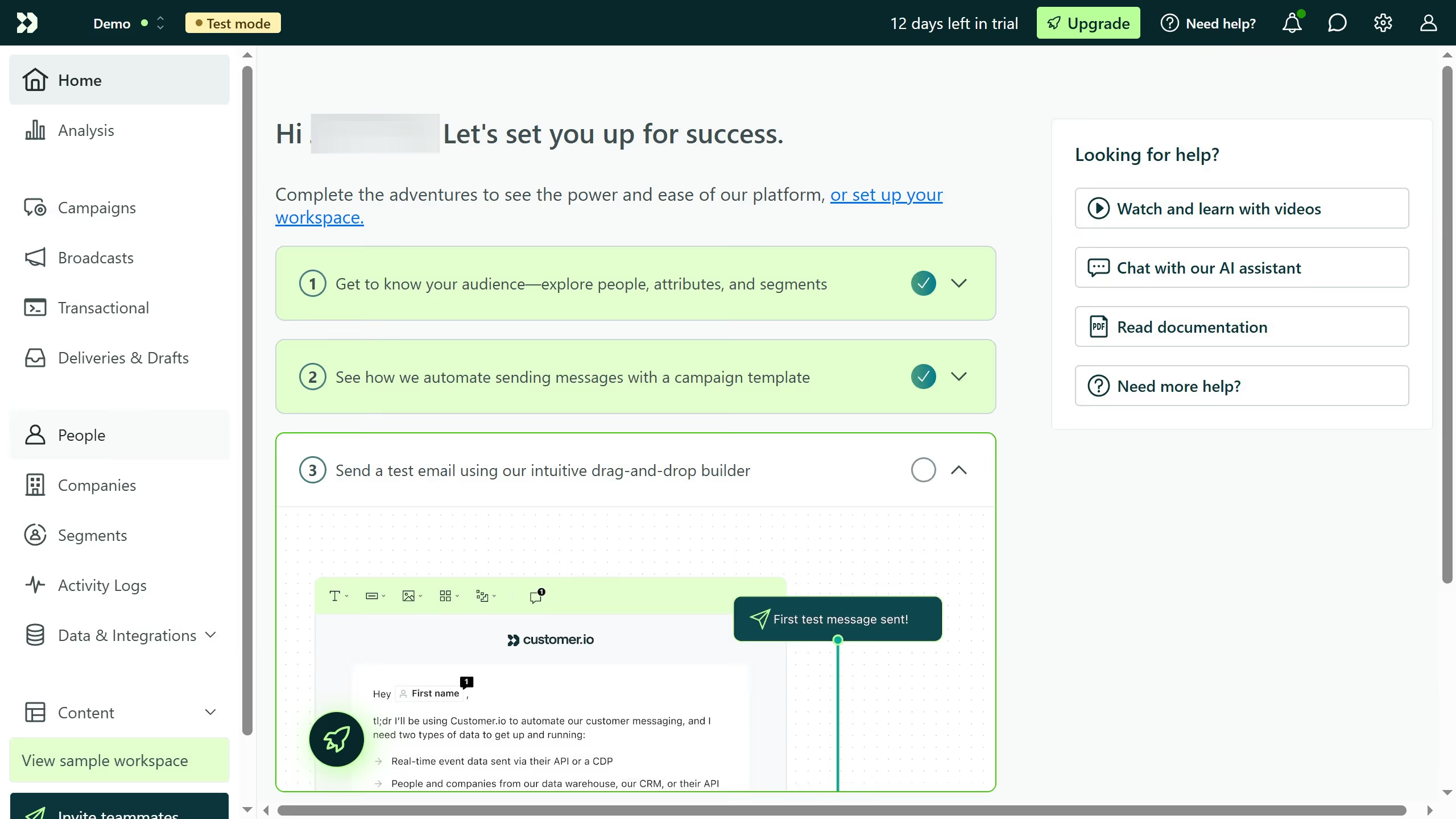
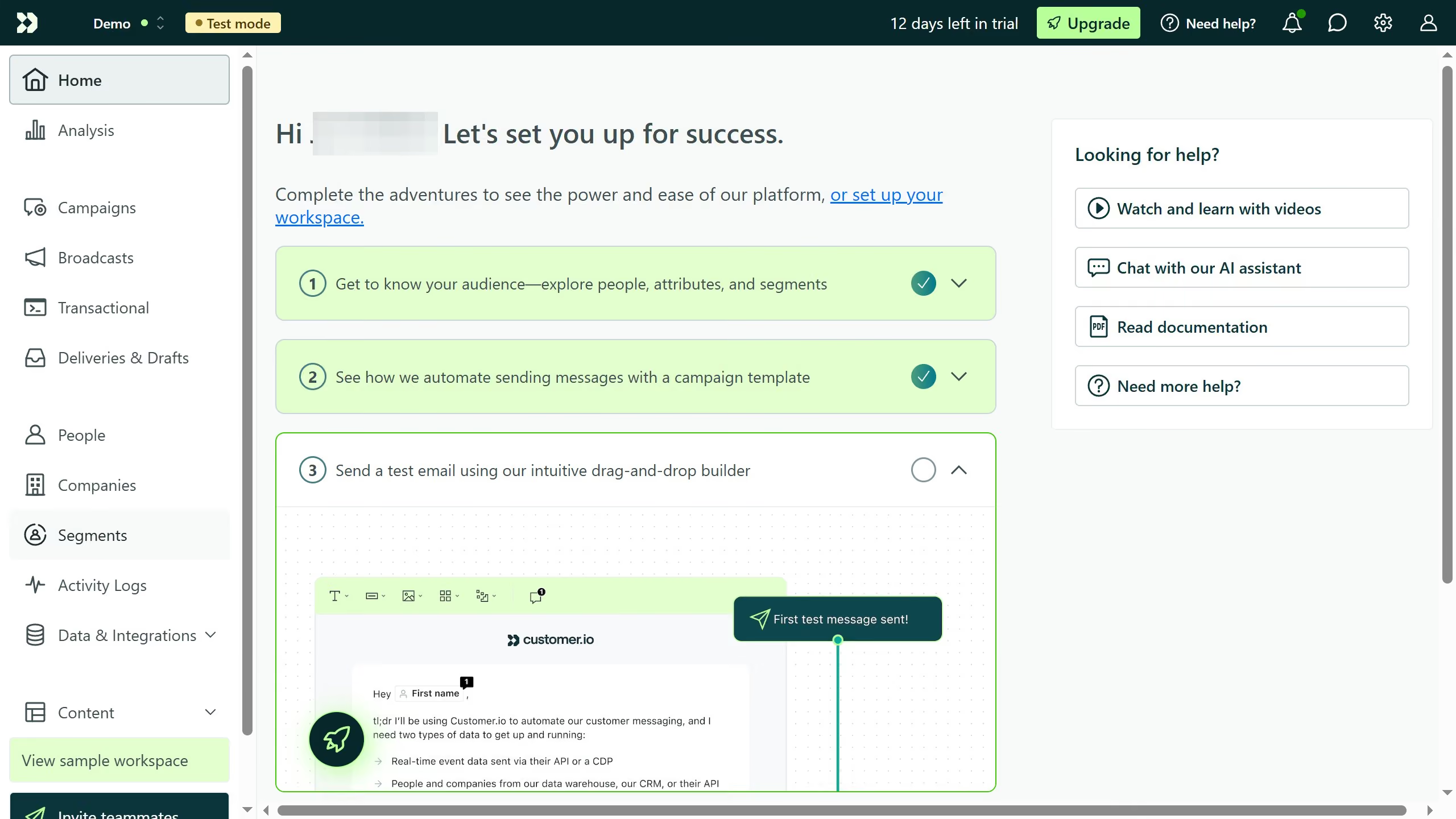
  1. First click on "Campaigns" menu item in the left sidebar
  2. Click inside the search field and type the campaign name or keywords related to it
  3. You can filter to refine your results. Apply one or more filters based on your needs
  4. The campaign list will update automatically based on your search and filters

Create your own interactive guide with Guideflow

Why should you search for campaigns in Customer.io

Customer.io is a powerful platform designed to manage and automate customer communications effectively.

The feature to search for campaigns in Customer.io streamlines the process of finding and analyzing specific marketing efforts within the platform.

Efficiently locating campaigns means quickly accessing relevant data to make informed decisions, enhancing your ability to optimize customer interactions.

By leveraging this feature, users can maintain a clear overview of their marketing landscape, improving overall strategy and performance.

Last update
April 10, 2026
Cursor MariaA cursor points to a button labeled "James."

Create your first demo in less than 30 seconds.