How to add trusted domains in Intercom
Here is how to add trusted domains in intercom
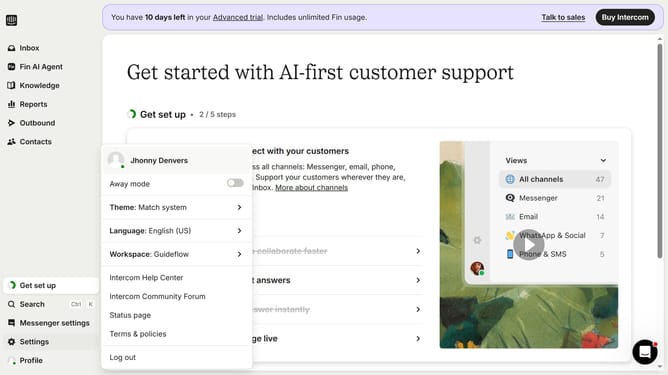
- First click on the "Settings" option in the left sidebar menu
- Then click on the "Workspace" section in the settings menu
- Next click on the "Security" option under the Workspace menu
- Then click on the "Links" section in the Security settings
- Click on the "Add policy" button to create a new link policy
- Click on the dropdown menu to select the policy type
- Select "Domain" option from the dropdown list to apply policy to entire domain
- Enter the domain name in the domain input field
- Select "Mark as Trusted" radio button to set the policy action
- Finally click on the "Save policy" button to apply the new domain policy
Why should you add trusted domains in Intercom
Intercom is a powerful communication platform designed to foster personalized customer interactions effectively.
Adding trusted domains in Intercom is a feature that ensures only authorized websites can host your Intercom Messenger. This precaution enhances security by preventing unauthorized access and misuse of your communication tool.
By setting trusted domains, you protect your brand and maintain the integrity of your customer interactions, creating a seamless and secure communication experience across your approved web properties.
Last update