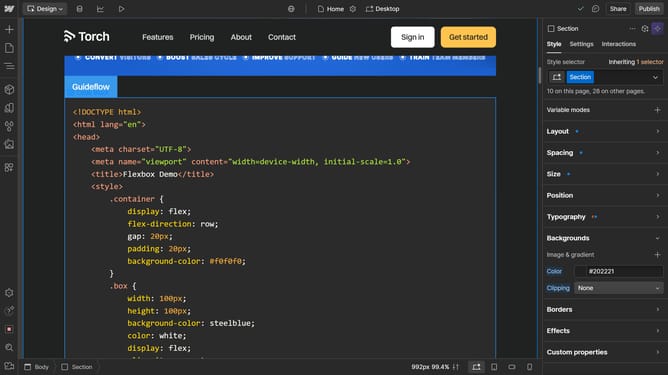
How to add CSS in Webflow
Here is how to add css in webflow
- First click on the "+" icon in the top left sidebar
- Then click on the "Search elements" input field and type in "Code Block"
- Next, click the "Code Block" option from the menu
- Then click on the code dropdown menu
- Next, select "CSS" from the dropdown menu
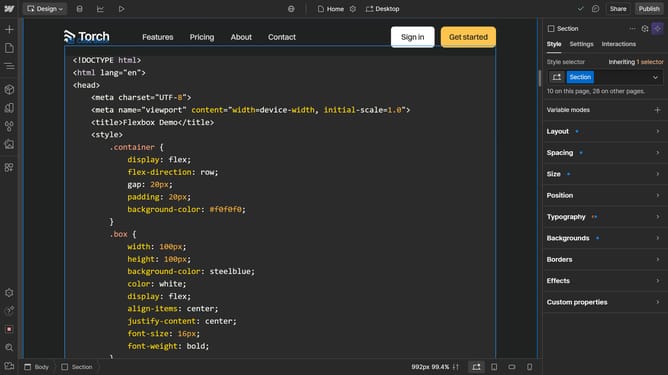
- Then click inside the code editor to paste your code
- Finally click on the "Save & Close" button
Why should you How to add CSS in Webflow
Webflow is an innovative design tool that seamlessly merges the power of visual design with the flexibility of code.
Adding CSS in Webflow empowers users to fully customize their websites, ensuring they look distinct and professional.
This feature allows for effortless enhancements to design elements, providing greater control over typography, color schemes, and layout intricacies.
Embracing CSS in Webflow ensures your site stands out, providing a unique user experience akin to hand-crafted web design.
Last update