How to enable grid in Webflow
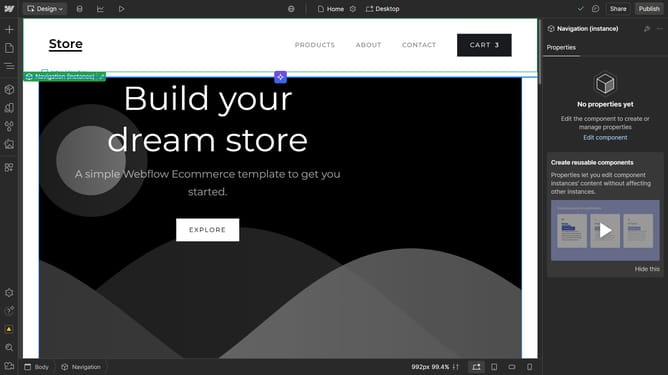
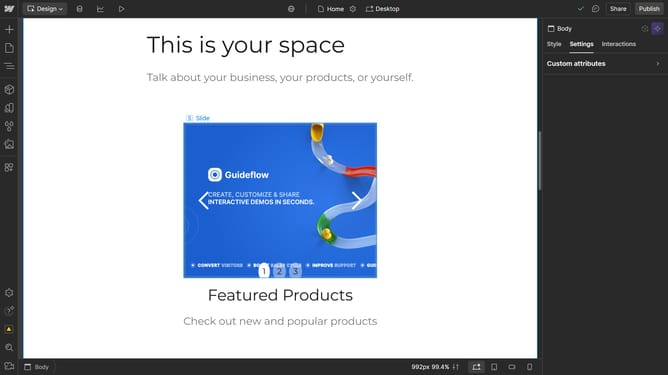
Here is how to enable grid in webflow
- First click on the element you want to add a grid
- Then click on the "Style" tab in the right sidebar
- Next click on the "Layout" option in the style settings panel
- Finally select the "Grid" layout option from the Display dropdown menu
Why should you enable grid in Webflow
Webflow transforms web design with robust, intuitive tools for creative site building.
Enabling the grid in Webflow simplifies the arrangement of complex layouts, offering a structured framework that enhances design precision.
The grid feature is invaluable, as it allows designers to align elements consistently within a responsive design ecosystem, improving both visual coherence and functionality.
This not only streamlines the creative process but maximizes user experience by ensuring accessibility and adaptability across devices.
Last update