Trello
Trello is a flexible work management tool that helps teams ideate, collaborate, organize workflows, and track progress. Its boards, lists, and cards make it easy to plan, prioritize, and manage projects in a visual and rewarding way.
Website
Industry
Collaboration
Share this article:

How to add any fields in Trello

Here is how to add any fields in trello

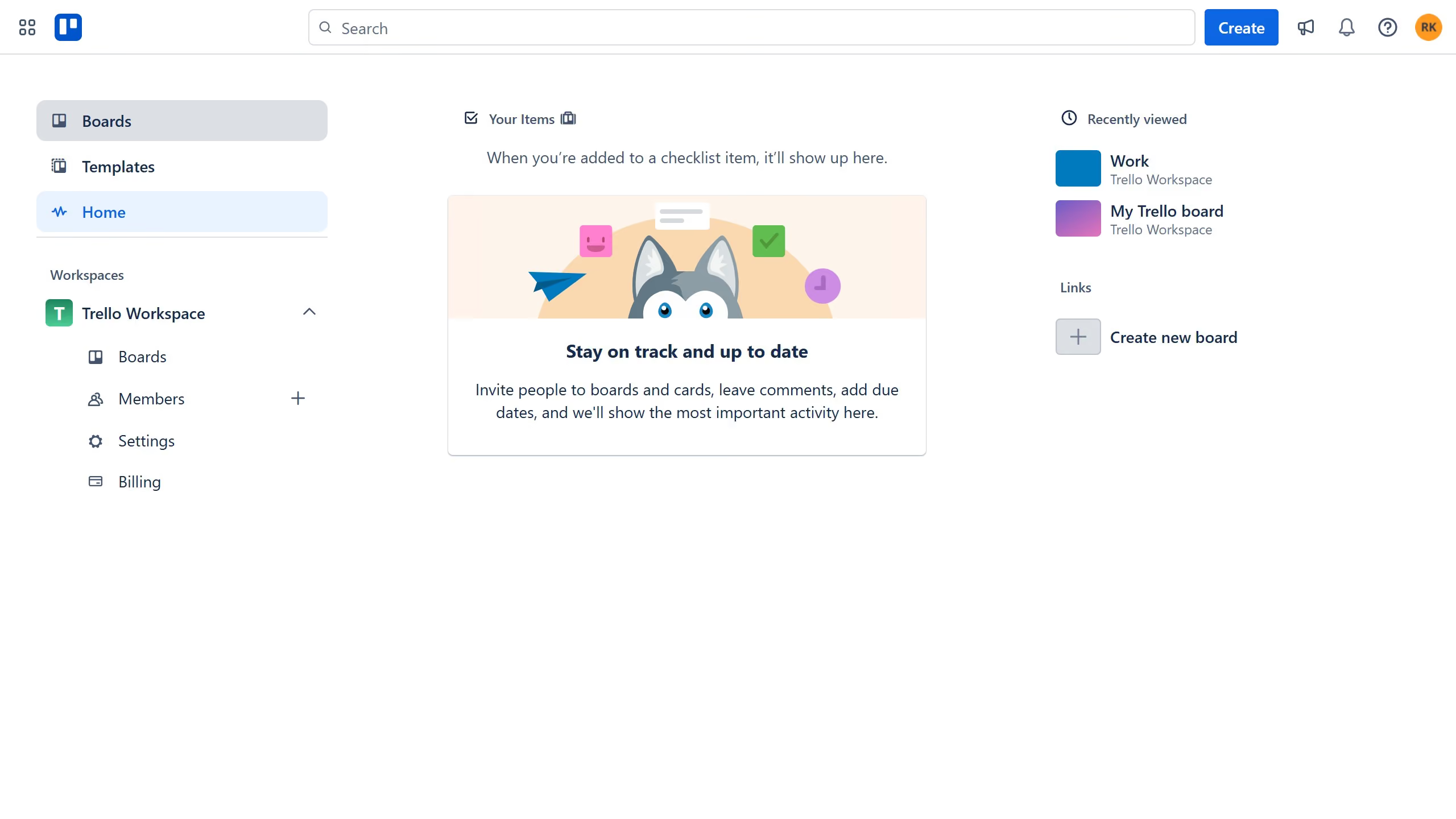
  1. First, click on the "Boards" option in the left sidebar navigation menu
  2. Then click a board in the workspace section
  3. Click on the "More options" (three dots) menu button in the top-right corner of the board
  4. Next, select the "Power-Ups" option from the dropdown menu
  5. In the Power-Ups menu, click on the "Analytics & reporting" category
  6. Click on the "Add" button for the "Any Fields" power-up
  7. Finally, click the "Add" button in the confirmation dialog to install the Any Fields power-up

Create your own interactive guide with Guideflow

Why should you add any fields in Trello

Trello is a dynamic visual tool that streamlines project management and boosts productivity by organizing tasks into boards.

With Trello, adding custom fields elevates your organizational prowess, allowing you to personalize each card with the specific information relevant to your team's needs.

This feature's flexibility empowers teams to track important details effortlessly, tailoring experiences to unique project requirements.

By utilizing custom fields, users enjoy enhanced clarity and efficiency, ensuring a more streamlined workflow that encourages collaboration and goal achievement.

Last update
June 10, 2026
Cursor MariaA cursor points to a button labeled "James."

Create your first demo in less than 30 seconds.