How to add a quiz block to a website in Mailerlite
Here is how to add a quiz block to a website in mailerlite
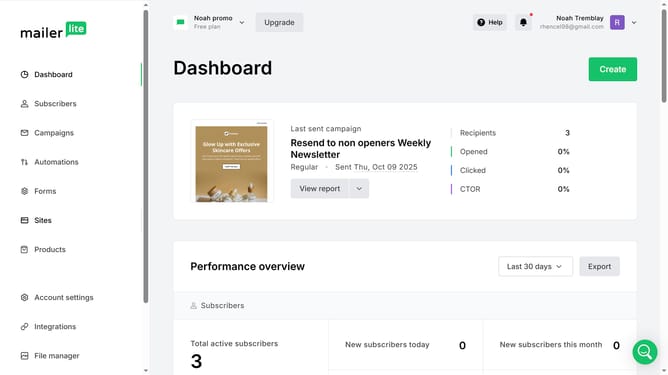
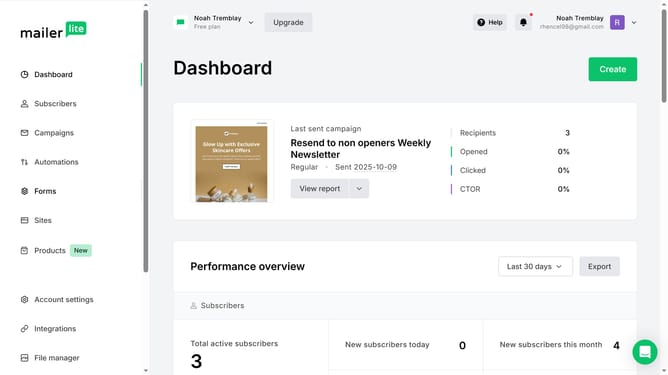
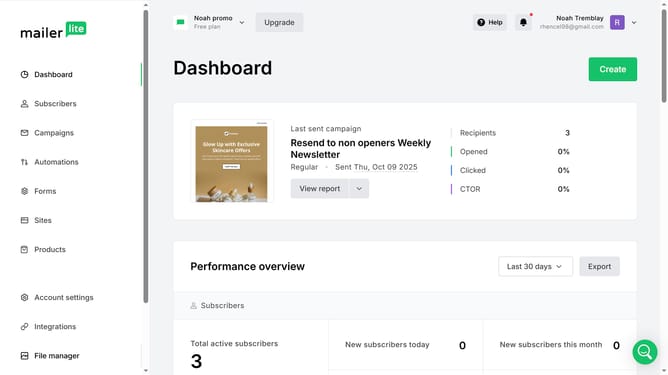
- First click on the "Sites" option in the left sidebar menu
- Click the "Websites" tab at the top of the page
- Click the "Edit" button next to the website where you want to add a quiz block to
- Select a page under Primary Navigation where you want to add the survey block
- Click the "Blocks" tab to view available blocks for your website
- Scroll down in the Blocks section
- Click and drag the "Quiz" block from the Content section onto your website’s main content area
- Then click on the block you just added to edit its information
- Edit its information based on your preference using the right sidebar panel
- Finally click the "Save and continue" button to save the changes
Why should you add a quiz block to a website in Mailerlite
MailerLite empowers businesses with straightforward tools to enhance online engagement.
Adding a quiz block to your website in MailerLite is a powerful way to captivate your audience.
This feature allows you to effortlessly incorporate interactive content that boosts user engagement and collects valuable insights.
Quizzes not only make your site more dynamic but also offer a unique way to engage visitors, encouraging them to spend more time on your site while providing you with actionable data for strategic decisions.
Last update