How to view uploaded images in Mailerlite
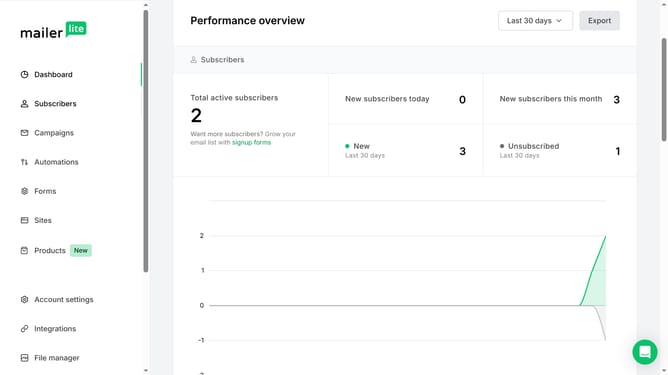
Here is how to view uploaded images in mailerlite
- First click on the "File manager" option in the left sidebar menu
- Scroll down in the File manager menu
- Finally click on the "Images" folder under the Files section in the left panel
Why should you view uploaded images in Mailerlite
MailerLite is a user-friendly email marketing platform designed to simplify communication and enhance subscriber engagement.
Within MailerLite, viewing uploaded images is effortless, as they are stored neatly in the File Manager section. This feature is especially advantageous when planning visually engaging campaigns.
Having easy access to your images not only streamlines your workflow but also ensures that your visuals are consistently available whenever you need them, enhancing consistency across all your outreach efforts.
Last update