How to delete a segment in Mailerlite
Here is how to delete a segment in mailerlite
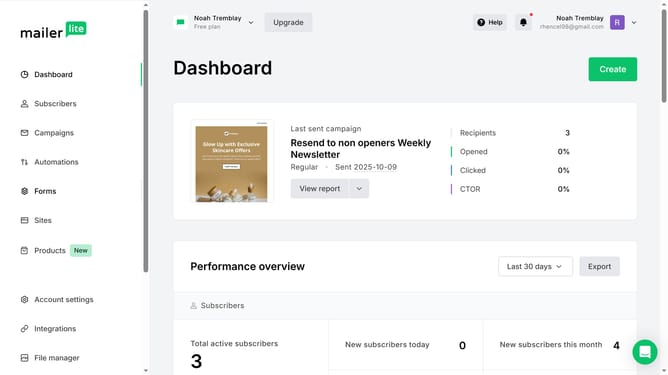
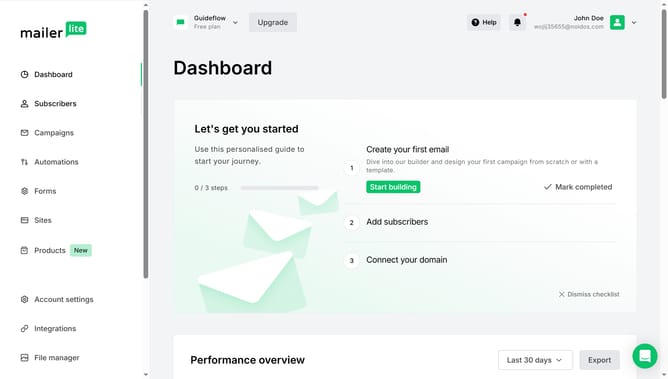
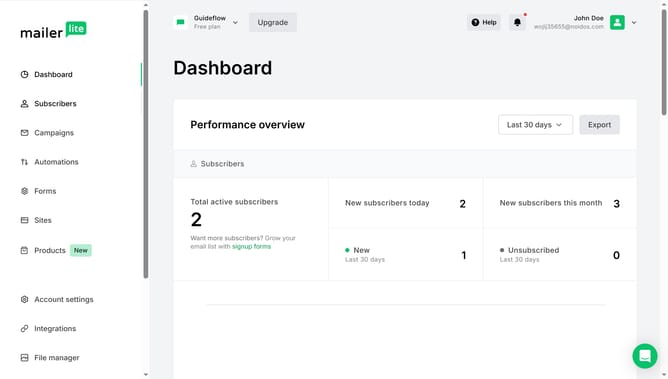
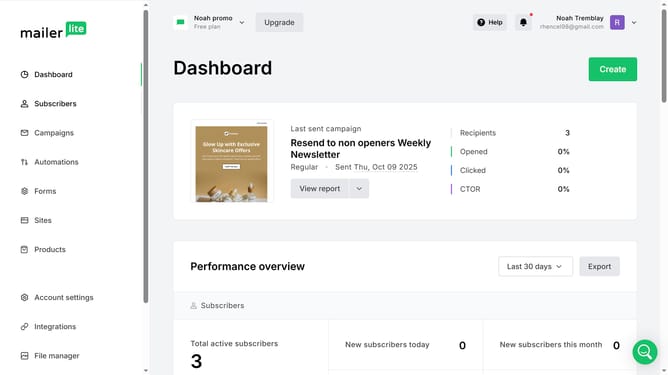
- First click on the "Subscribers" item in the left sidebar menu
- Then click on the "Segments" tab in the top navigation menu
- Next click on the "More" next to the segment you want to delete
- Then select "Delete" option from the dropdown menu
- Finally click the "Delete" button in the confirmation dialog
Why should you delete a segment in Mailerlite
MailerLite is a versatile tool designed to streamline your email marketing efforts with ease and efficiency.
One of its handy features is the ability to delete a segment, which is crucial for maintaining a tidy and effective contact list. Removing segments you no longer need helps keep your lists focused, enhancing targeting and campaign performance.
By routinely managing your segments, you ensure that your marketing strategies remain agile and adaptive, leading to better engagement and business growth.
Last update