How to filter subscriber groups by subscribers in Mailerlite
Here is how to filter subscriber groups by subscribers in mailerlite
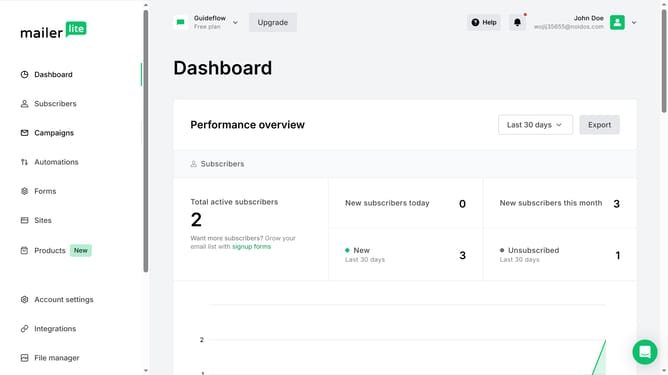
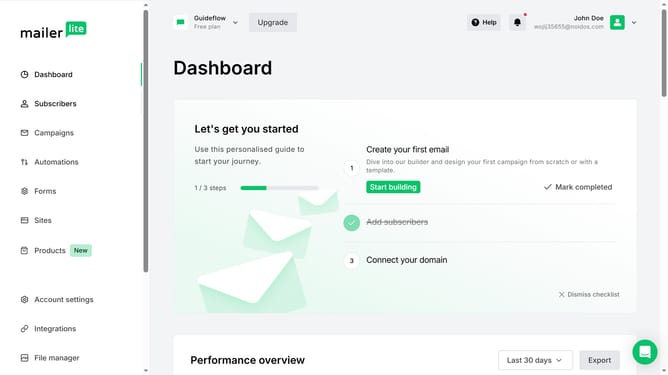
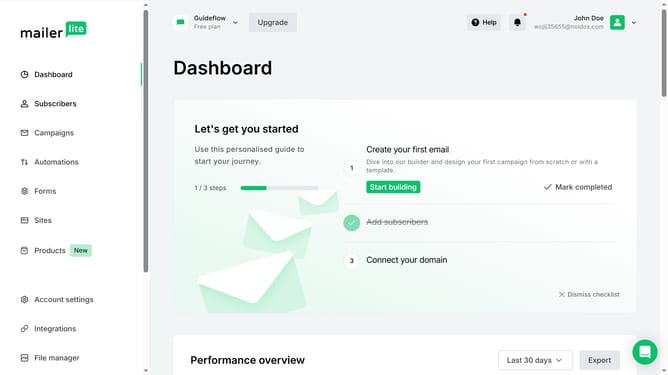
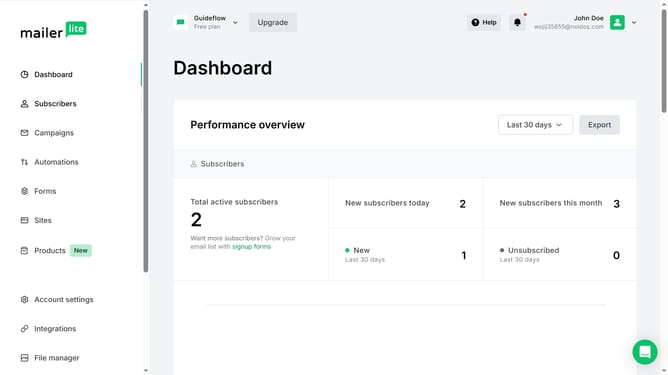
- First click on "Subscribers" in the left sidebar menu
- Then click on "Groups" tab in the subscribers section navigation
- Next click on the dropdown sorting option
- Finally click on the "Subscribers" option from the dropdown menu
Why should you filter subscriber groups by subscribers in Mailerlite
MailerLite is a versatile email marketing platform designed to simplify your communication with subscribers.
Filtering subscriber groups by specific subscribers in MailerLite enhances the precision of your email campaigns.
This feature allows you to segment your audience based on detailed subscriber criteria, ensuring that your messages are targeted and relevant.
By narrowing down groups, you boost engagement and optimize your marketing efforts by delivering content that truly resonates with your subscribers.
Last update