How to toggle subscriber last name column in Mailerlite
Here is how to toggle subscriber last name column in mailerlite
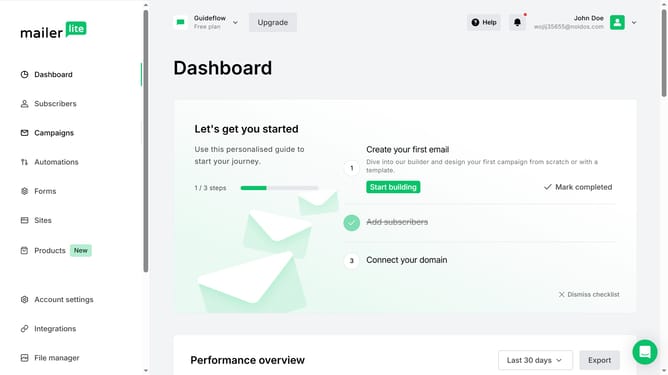
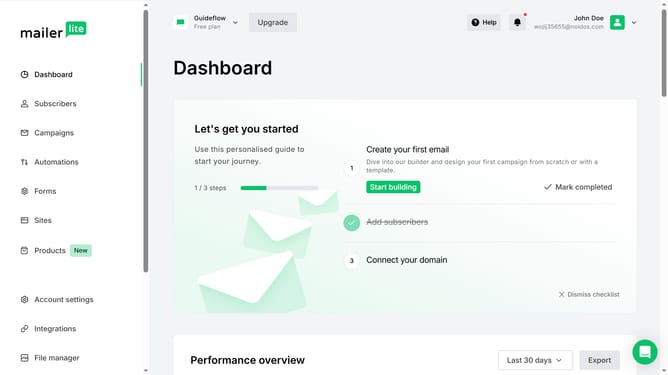
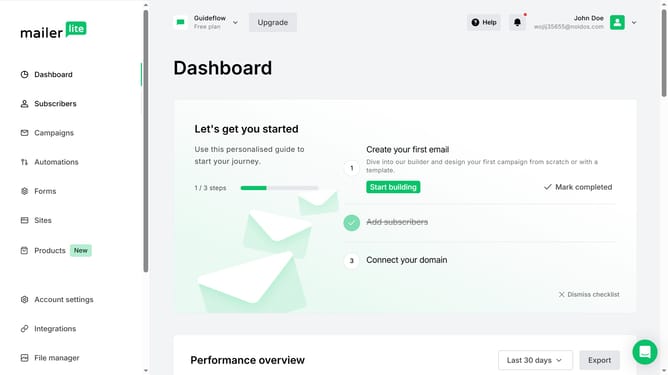
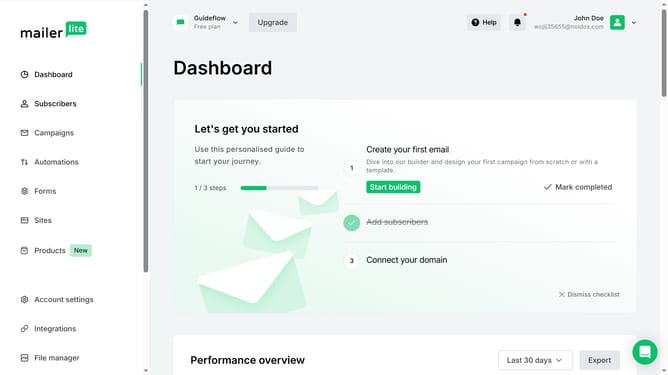
- First click on the "Subscribers" link in the left sidebar
- Scroll down in the subscribers page
- Next click on the "Toggle columns" dropdown button in the subscribers table header
- Finally select the "Last name" option from the Toggle columns dropdown menu
Why should you toggle subscriber last name column in Mailerlite
MailerLite is an intuitive platform designed to simplify email marketing with powerful tools and features.
The ability to toggle the subscriber last name column in MailerLite is a feature that enhances user data management.
This feature allows users to view or hide the last names of subscribers according to their specific needs, thereby streamlining the process of organizing and personalizing email campaigns.
By effectively managing subscriber data, marketers can create more targeted communications, improving engagement and fostering stronger relationships with their audience.
Last update