How to show unconfirmed subscribers in Mailerlite
Here is how to show unconfirmed subscribers in mailerlite
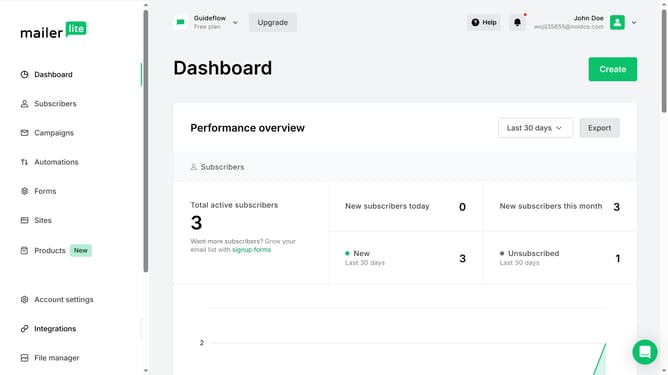
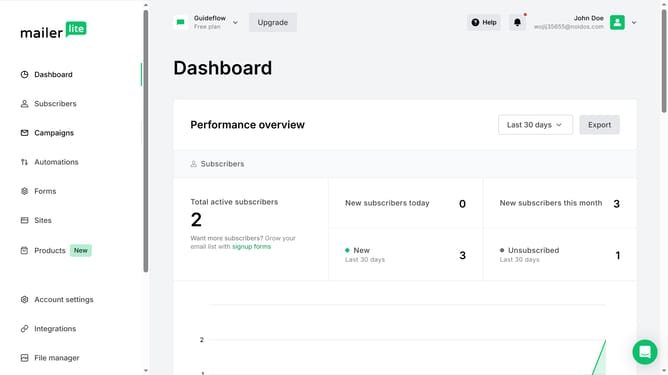
- First click on the "Subscribers" item in the left sidebar menu
- Scroll down in the subscribers menu page
- Next click on the dropdown menu in the subscribers list
- Finally select "Unconfirmed" from the dropdown menu
Why should you show unconfirmed subscribers in Mailerlite
Mailerlite is a powerful tool designed to streamline email marketing and enhance audience engagement.
One of its standout features is the ability to manage unconfirmed subscribers, central to maintaining a healthy mailing list.
This feature allows users to view subscribers who have yet to confirm their subscription, providing critical insights.
Understanding this segment can lead to targeted follow-ups, ensuring that potential subscribers are not lost, enhancing conversion rates and list quality.
Last update