How to delete subscribers custom field in Mailerlite
Here is how to delete subscribers custom field in mailerlite
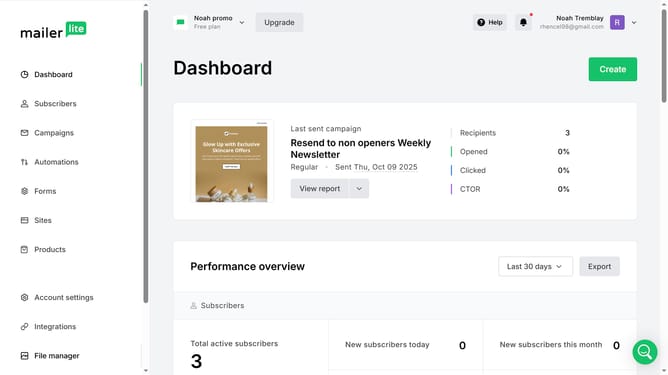
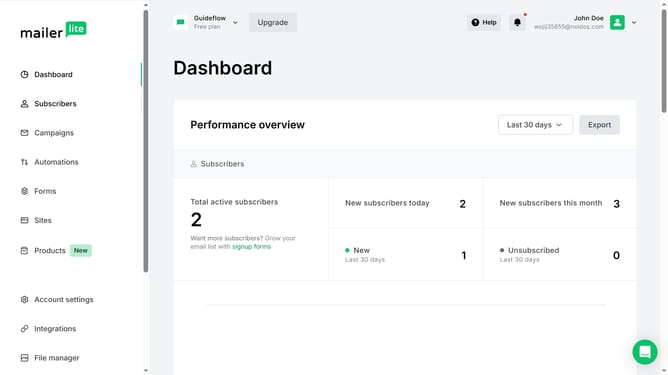
- First click on the "Subscribers" item in the left sidebar menu
- Then click on the "Fields" tab in the subscribers section navigation
- Next click on the delete icon button in the "Actions" column next to the field that you want to delete
- Finally click the "Delete" button in the confirmation dialog to remove the field
Why should you delete subscribers custom field in Mailerlite
MailerLite is a user-friendly email marketing service designed to help businesses grow and manage their audience effectively.
One of its handy features is the ability to delete subscribers' custom fields, ensuring your database remains clean and relevant.
Streamlining your subscriber data by removing unnecessary fields can lead to more efficient segmentation and targeted campaigns, ultimately enhancing engagement.
By maintaining an organized database, you gain a clearer understanding of your audience, empowering more personalized communication.
Last update