How to export subscribers information in Mailerlite
Here is how to export subscribers information in mailerlite
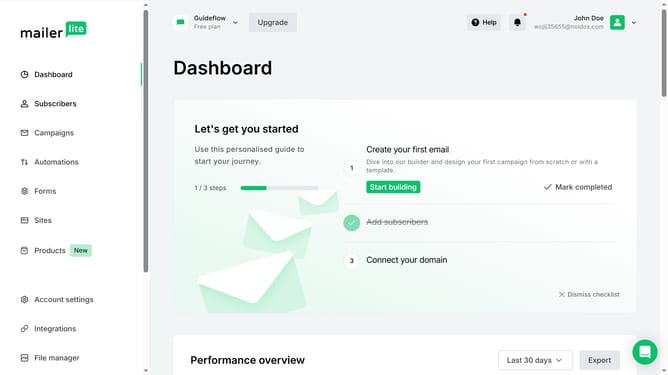
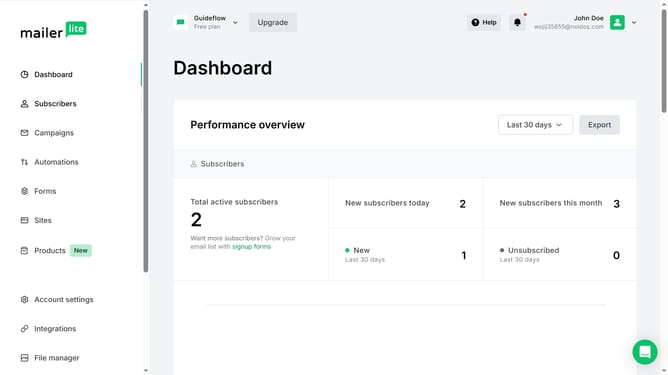
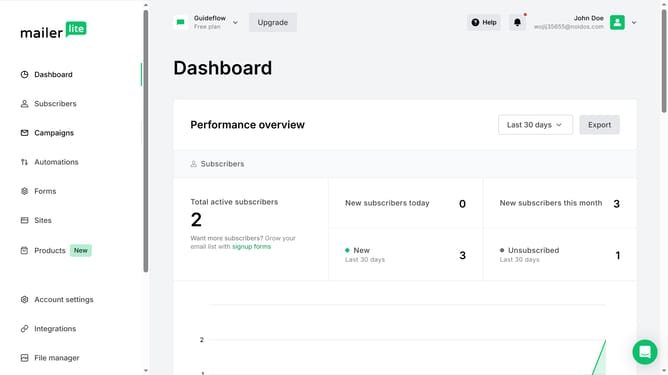
- First, click on the "Subscribers" item in the left sidebar menu
- Scroll down in the subscribers menu
- Next, click on the "Actions" dropdown button in the subscribers list
- Then select "Export CSV" option from the Actions dropdown menu
- Finally, click the "Download" button in the notification banner that appears at the top of the list
Why should you export subscribers information in Mailerlite
Trello is an intuitive tool designed to streamline project management through visual boards and easy collaboration.
Mailerlite’s feature for exporting subscriber information offers a straightforward way to maintain control over your contact database.
This functionality is vital for creating backup copies, managing large lists, or when migrating information between platforms.
By enabling quick data transfers, this feature empowers users to maintain a flexible and efficient marketing strategy.
Last update