How to toggle subscriber phone column in Mailerlite
Here is how to toggle subscriber phone column in mailerlite
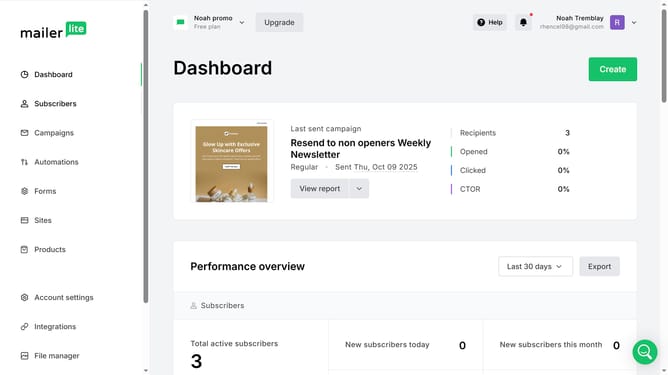
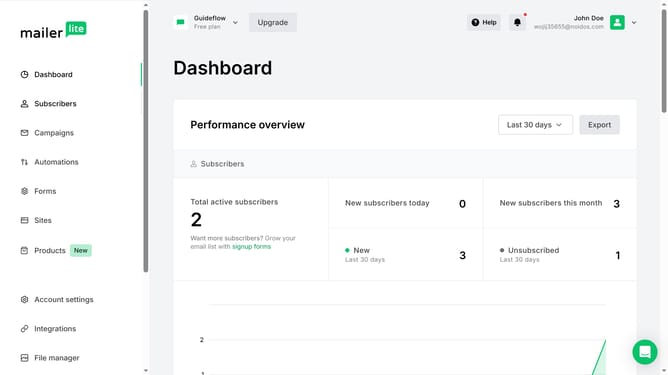
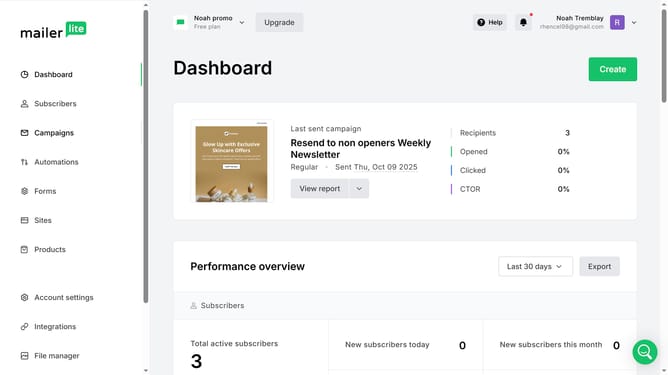
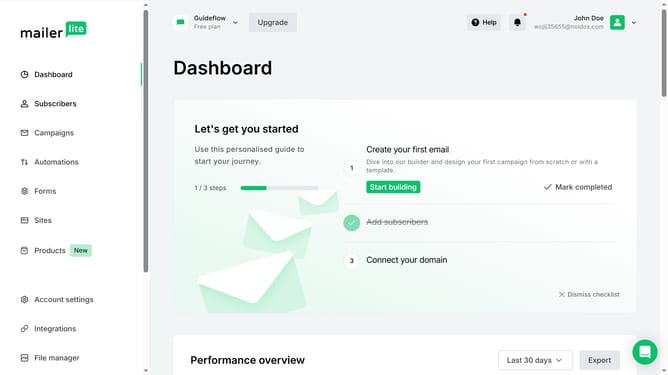
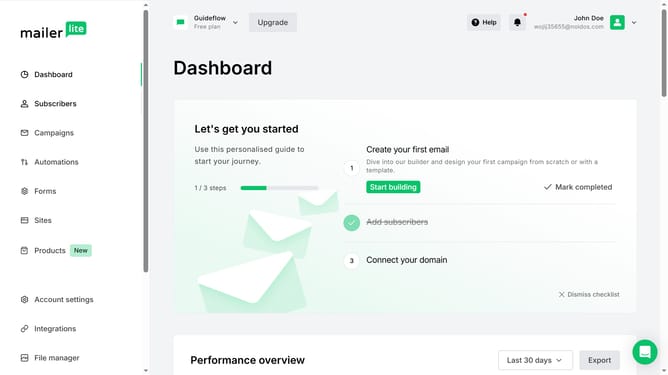
- First click on "Subscribers" in the left sidebar menu
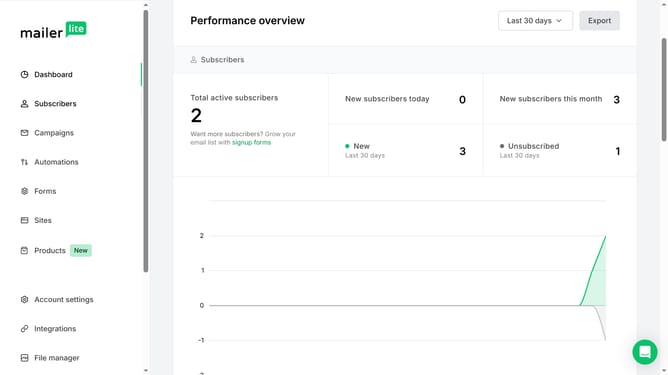
- Scroll down in the subscribers page
- Next click on the "Toggle columns" button in the main content area
- Finally select "Phone" option from the toggle columns dropdown menu
Why should you toggle subscriber phone column in Mailerlite
MailerLite is an intuitive email marketing platform designed for simplifying communication with audiences.
The subscriber phone column toggle feature in MailerLite adds functionality through the effortless display of subscriber phone numbers. This offers businesses a seamless method to deepen their customer insights.
By toggling this feature, marketers can enhance their strategies with multi-channel engagement, including SMS campaigns, consequently optimizing reach and building stronger customer relationships.
Ultimately, the simplicity of toggling options in MailerLite can streamline operations, saving valuable time and resources.
Last update