How to filter subscribers by email in Mailerlite
Here is how to filter subscribers by email in mailerlite
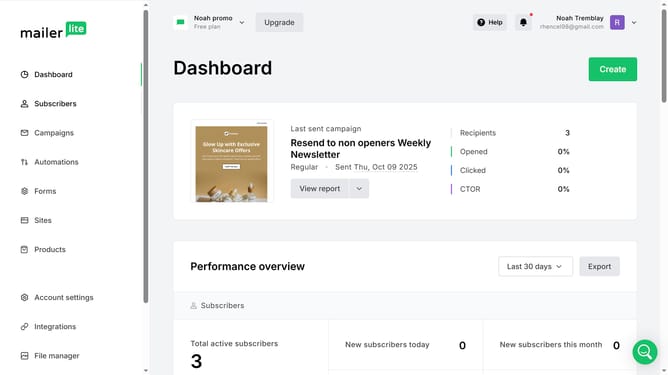
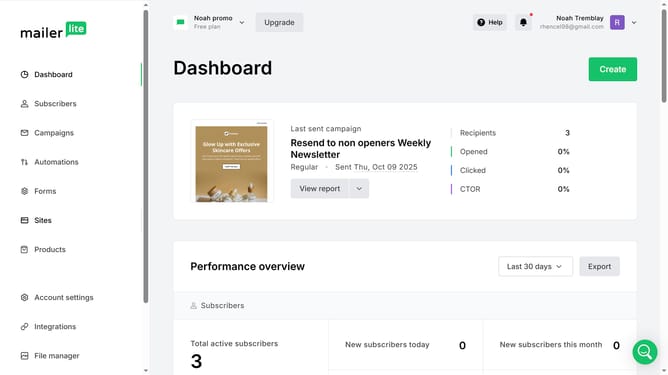
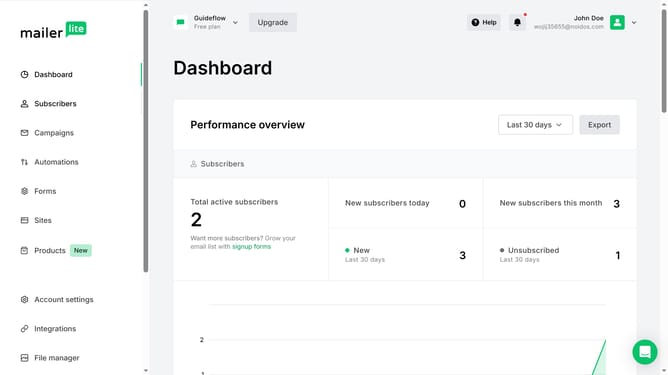
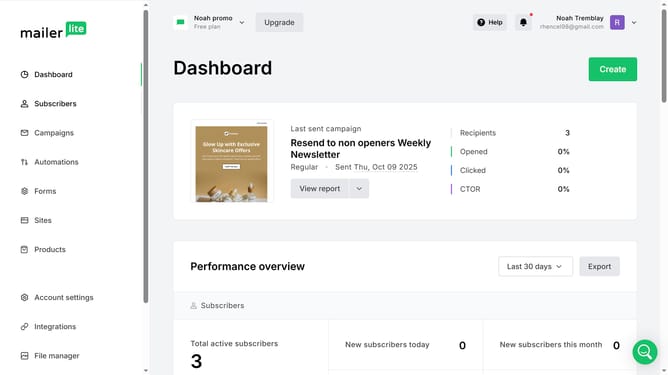
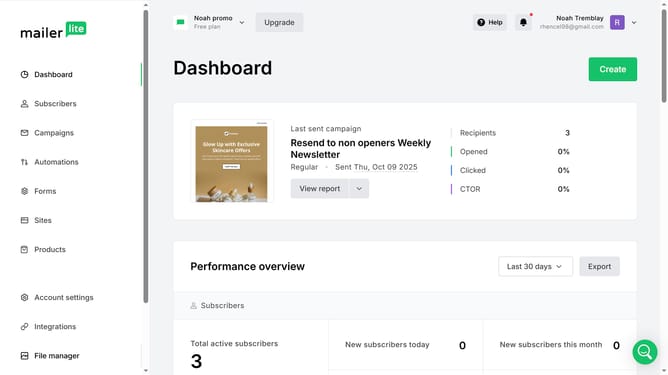
- First click on the "Subscribers" link in the left sidebar menu
- Then click on the "Choose a filter" dropdown button
- Next select "Email" from the filter options dropdown
- Then click on "Choose an operator" dropdown button
- Select your preferred option from the operator options dropdown
- Click and type in the email you want to filter in text input field
- Click the "Apply filter" button to filter the subscribers
- Finally scroll down to see the results of the filter
Why should you filter subscribers by email in Mailerlite
MailerLite is a versatile email marketing platform designed to simplify engaging with your audience.
One of its standout features is the ability to filter subscribers by email, which streamlines the process of managing and categorizing your contact list.
By filtering subscribers by email, you can easily locate specific contacts, refine your audience targeting, and enhance personalization in your campaigns.
This feature is essential for maintaining a well-organized database, improving communication efficiency, and ultimately driving better engagement with your subscribers.
Last update