How to merge subscribers group in Mailerlite
Here is how to merge subscribers group in mailerlite
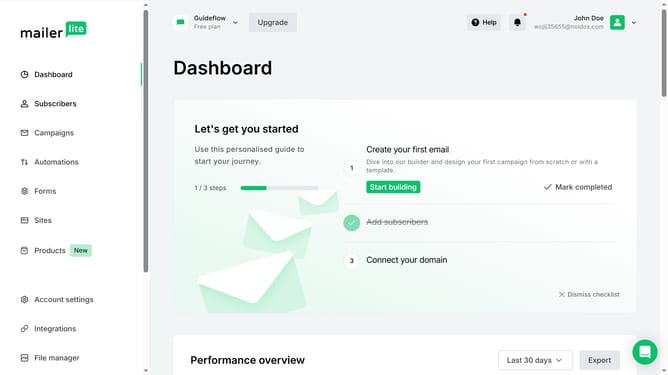
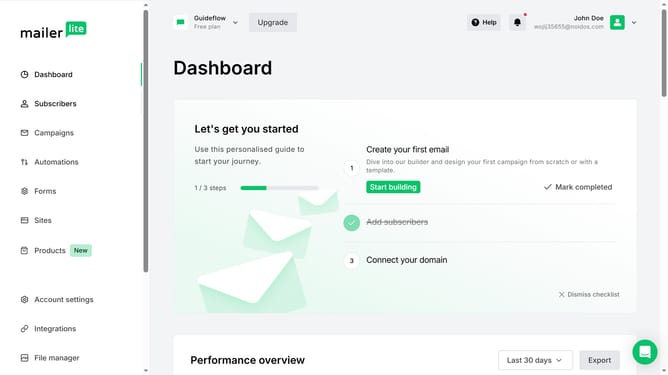
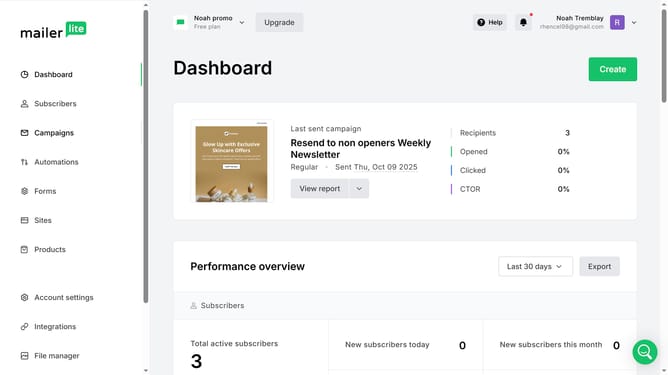
- First click on "Subscribers" item in the left sidebar
- Then click on "Groups" tab in the top navigation menu
- Next click on the checkboxes next to the groups you want to merge
- Then click on "Merge" button in the toolbar
- Finally click on "Save" button in the merge groups dialog
Why should you merge subscribers group in Mailerlite
Mailerlite is a user-friendly email marketing service designed to simplify campaign management.
One of its efficient features is the ability to merge subscriber groups effortlessly.
This functionality allows users to streamline communication by consolidating similar audiences into a single group.
This leads to more coherent messaging, improves personalization, and ensures no subscriber receives duplicate content.
Ultimately, this enhances marketing efforts by fostering a more organized and impactful reach.
Last update