How to create a subscribers group in Mailerlite
Here is how to create a subscribers group in mailerlite
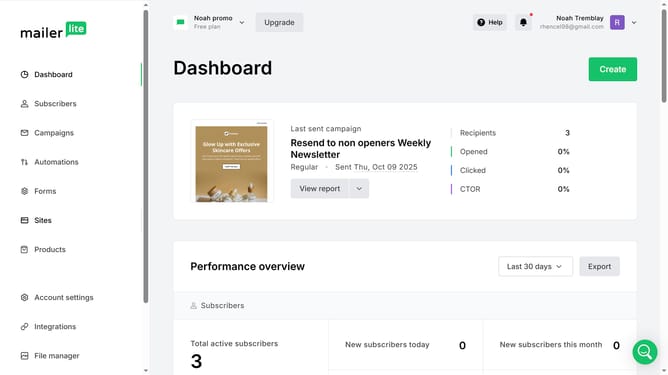
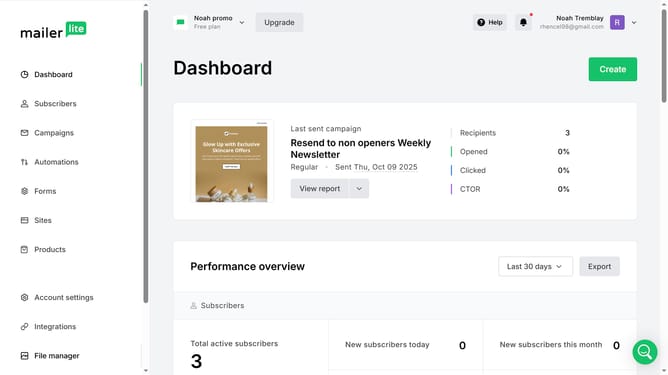
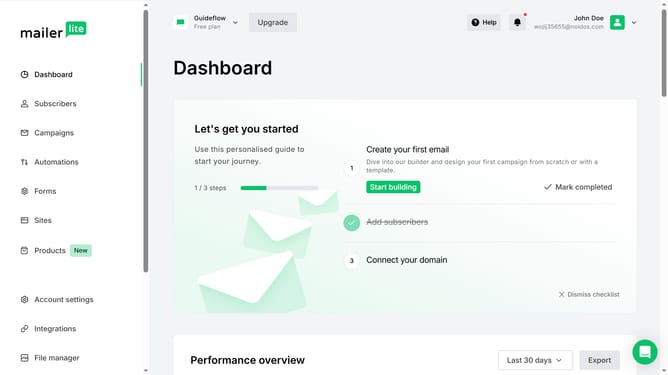
- First click on "Subscribers" in the left sidebar menu
- Then click on the "Groups" tab in the top navigation bar
- Next click on "Create group" button in the top-right corner
- Then click on the "Enter group name" input field and type in your desired name for the group
- Finally click the "Create" button to create the new group
Why should you create a subscribers group in Mailerlite
MailerLite is a dynamic platform designed to streamline your email marketing efforts.
Creating a subscribers group in MailerLite allows you to organize your audience efficiently, facilitating targeted communication. By categorizing subscribers based on interests or behavior, you enhance engagement and improve open rates.
This feature empowers you to tailor your messages specifically to each group’s needs, fostering stronger relationships with your audience and maximizing your campaign's effectiveness.
Last update