How to toggle subscriber company column in Mailerlite
Here is how to toggle subscriber company column in mailerlite
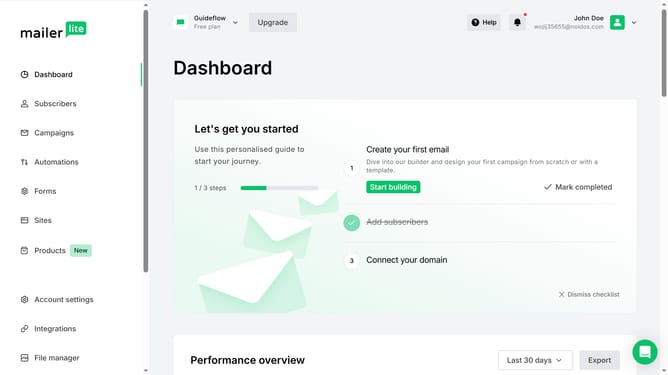
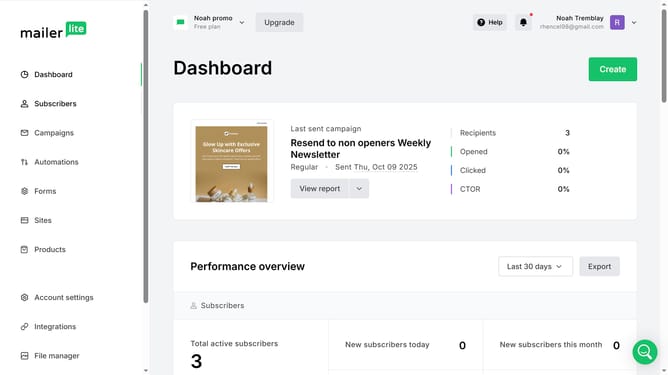
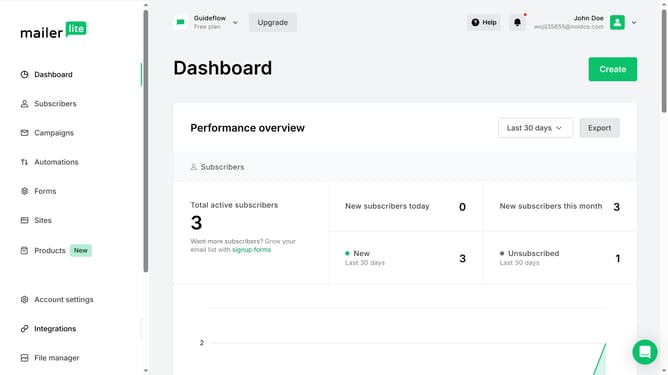
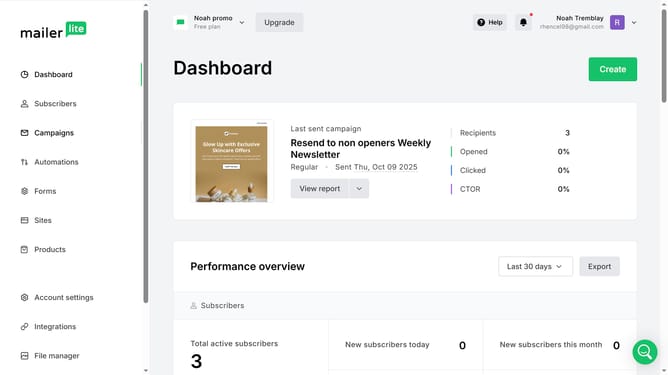
- First click on "Subscribers" in the left sidebar menu
- Scroll down in the suscribers menu
- Next click the "Toggle columns" dropdown button in the main content area
- Finally select the "Company" option from the Toggle columns dropdown menu
Why should you toggle subscriber company column in Mailerlite
MailerLite is a user-friendly email marketing tool designed for businesses eager to drive engagement and growth.
One beneficial feature of MailerLite is the ability to easily toggle the subscriber company column. This feature proves invaluable for businesses aiming to personalize their marketing efforts.
By quickly identifying a subscriber’s company, businesses can tailor their messaging, enhancing relevance and impact. This not only improves communication efficiency but also fosters meaningful connections with leads and customers.
Last update