How to filter subscribers by phone in Mailerlite
Here is how to filter subscribers by phone in mailerlite
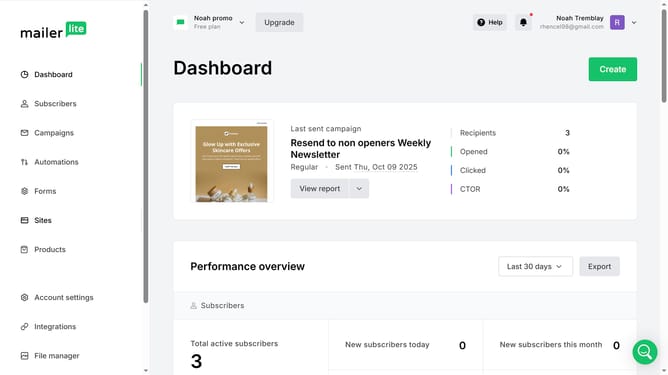
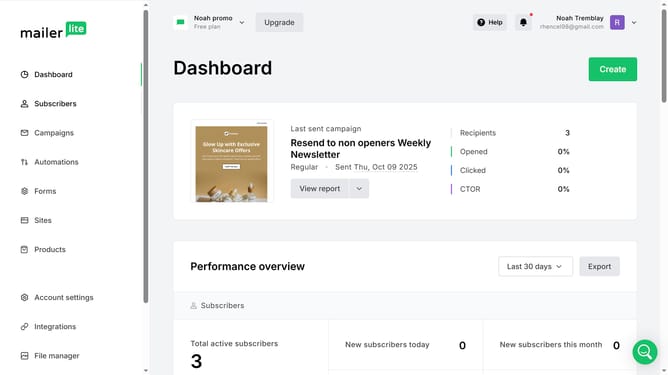
- First click on the "Subscribers" item in the left sidebar
- Then click on "Choose a filter" dropdown in the filter area
- Next click to select "Fields" from the dropdown options
- Then click on "Choose a field" dropdown in the filter options
- In the dropdown menu, select "Phone" field
- Next click on "Choose an operator" dropdown
- From the operator options, select "Equals"
- Click and type in the phone number you want to filter in the text field
- Click the "Apply filter" button to execute the search
- Finally scroll down in the Subscribers page to see the results of the filter
Why should you filter subscribers by phone in Mailerlite
MailerLite is an intuitive platform designed to streamline your email marketing efforts with ease.
Filtering subscribers by phone in MailerLite is a powerful feature that enhances targeted communication. It allows you to segment your audience based on their phone numbers, ensuring that your messages reach the right people at the right time.
This feature is particularly beneficial when organizing SMS campaigns or integrating with phone-based services, adding a laser focus to your marketing strategies and boosting engagement.
By effectively segmenting your list, you can personalize content and improve response rates, making your marketing efforts more efficient and impactful.
Last update