How to toggle subscriber city column in Mailerlite
Here is how to toggle subscriber city column in mailerlite
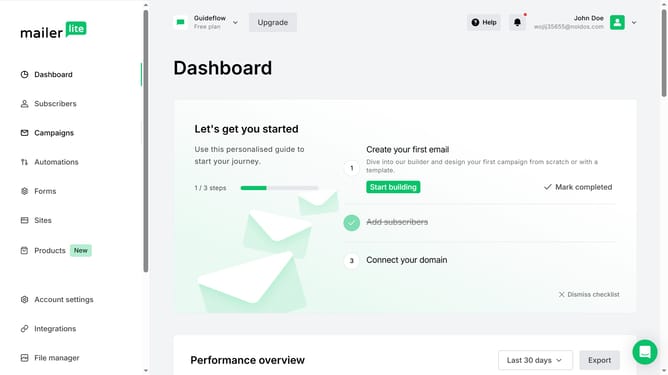
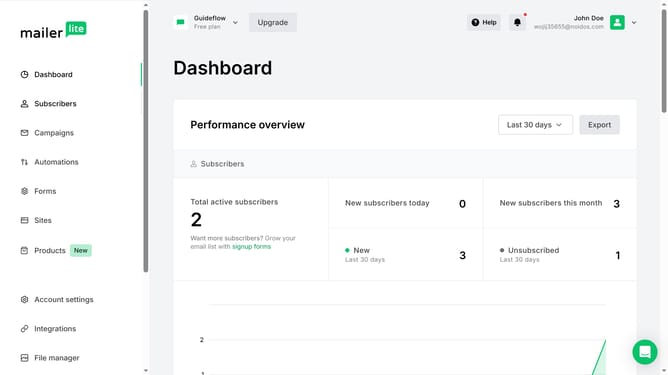
- First click on the "Subscribers" item in the left sidebar menu
- Scroll down in the subscribers page
- Next click on the "Toggle columns" dropdown button in the main content area
- Finally click on the "City" checkbox in the Toggle columns dropdown menu
Why should you toggle subscriber city column in Mailerlite
Mailerlite is a dynamic email marketing tool designed for efficiency and creativity.
Toggling the subscriber city column in Mailerlite is a straightforward feature that enhances your email strategy by providing valuable geographical insights. By easily accessing your subscribers' city locations, you can tailor campaigns to engage specific regions effectively.
This feature empowers marketers to enrich segmentation, drive personalization, and optimize campaign performance with precision.
Last update