How to filter subscribers group by click rate in Mailerlite
Here is how to filter subscribers group by click rate in mailerlite
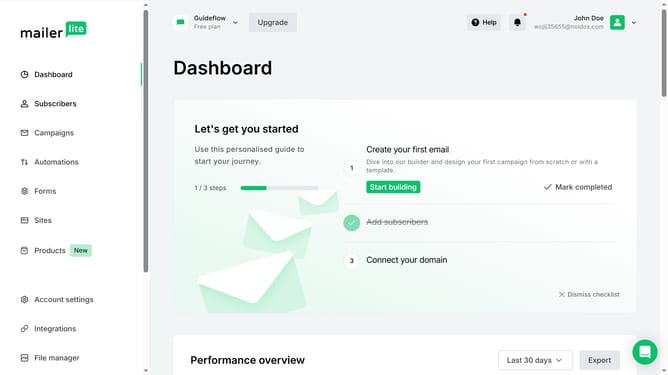
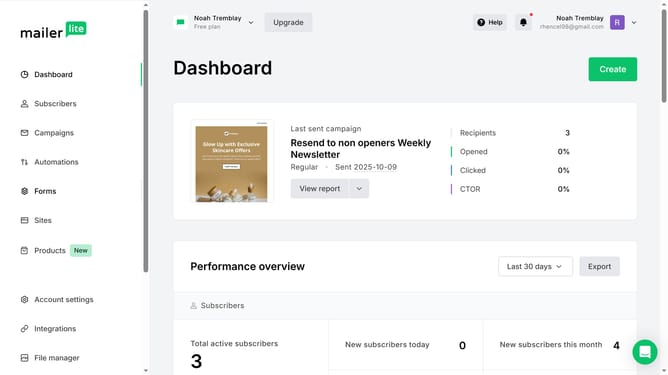
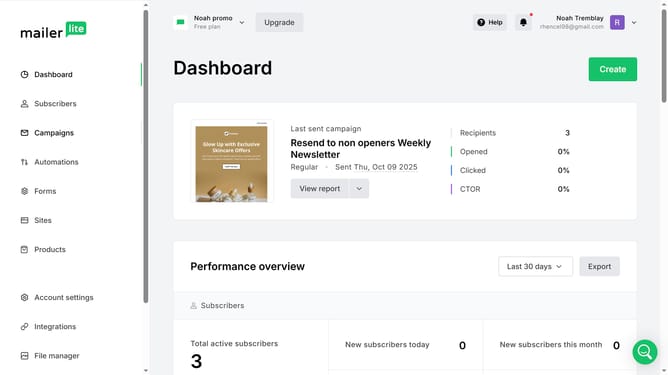
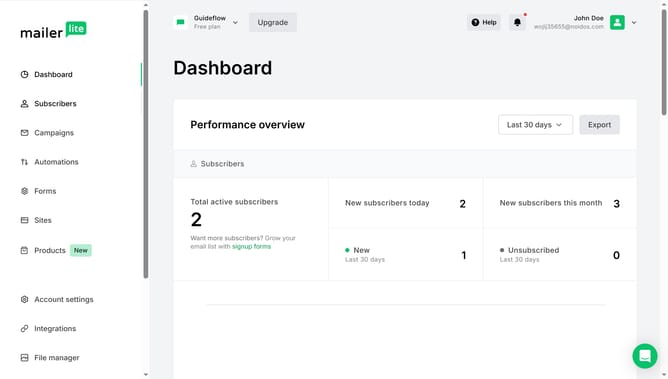
- First click on "Subscribers" in the left sidebar menu
- Then click on the "Groups" tab in the top navigation bar
- Next click on dropdown menu in the sorting options
- Finally select "Click rate" from the sorting dropdown menu
Why should you filter subscribers group by click rate in Mailerlite
Mailerlite is a user-friendly platform designed to simplify email marketing for businesses of all sizes.
Filtering subscribers by click rate in Mailerlite allows marketers to target their most engaged audience seamlessly.
This feature is invaluable for optimizing campaign strategies, as it helps in identifying subscribers who actively interact with content.
By leveraging click rate filters, marketers can maximize ROI, ensuring that promotional efforts reach those who are most likely to convert. Enjoy streamlined communication and improved marketing efficiency.
Last update