Mailerlite
MailerLite is an email marketing platform that helps businesses grow their audience, engage subscribers, and drive sales through intuitive tools for newsletters, automation, and landing pages.
Website
Industry
Email
Share this article:

How to show promotion popup only on specific pages in Mailerlite

Here is how to show promotion popup only on specific pages in mailerlite

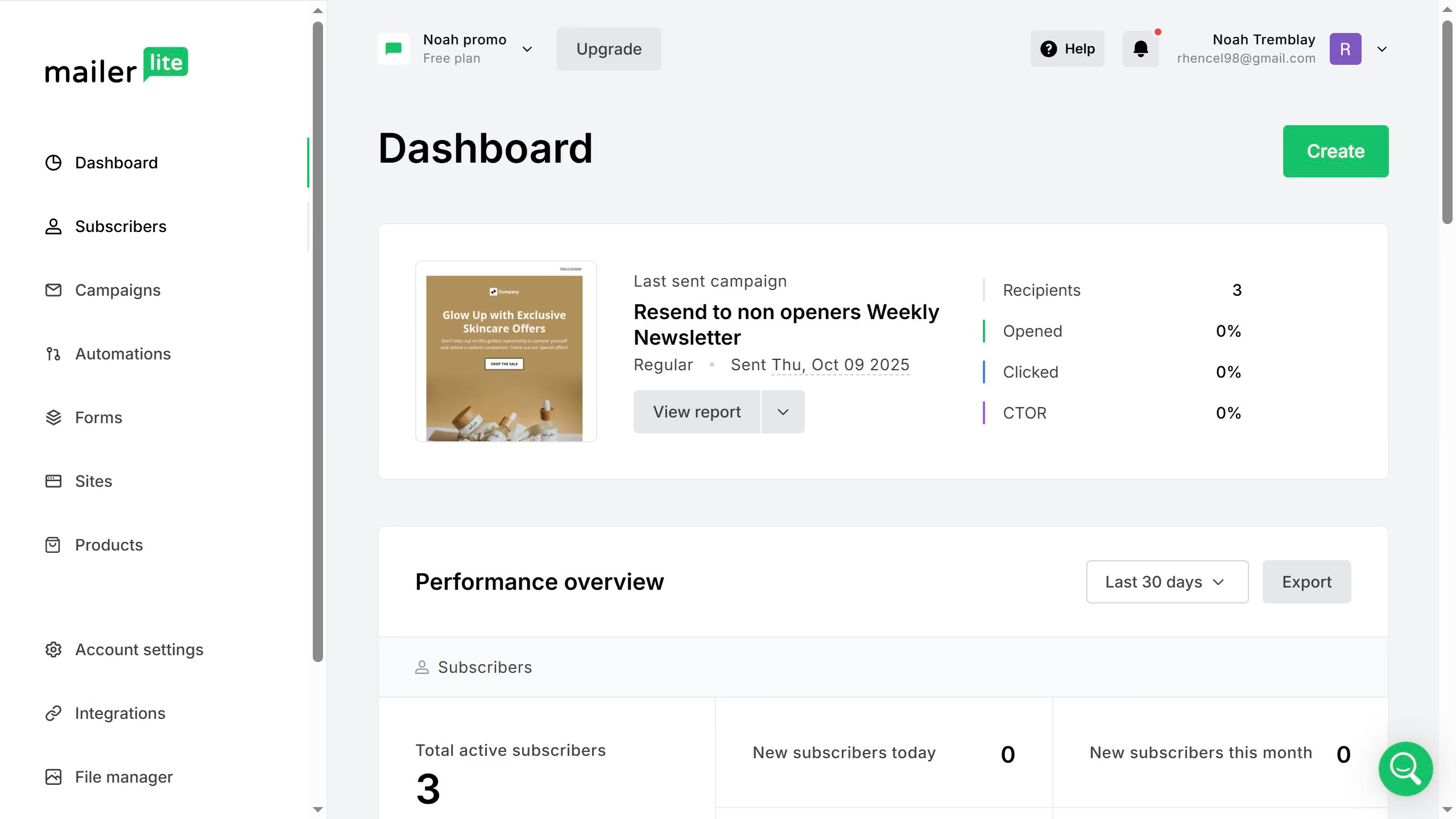
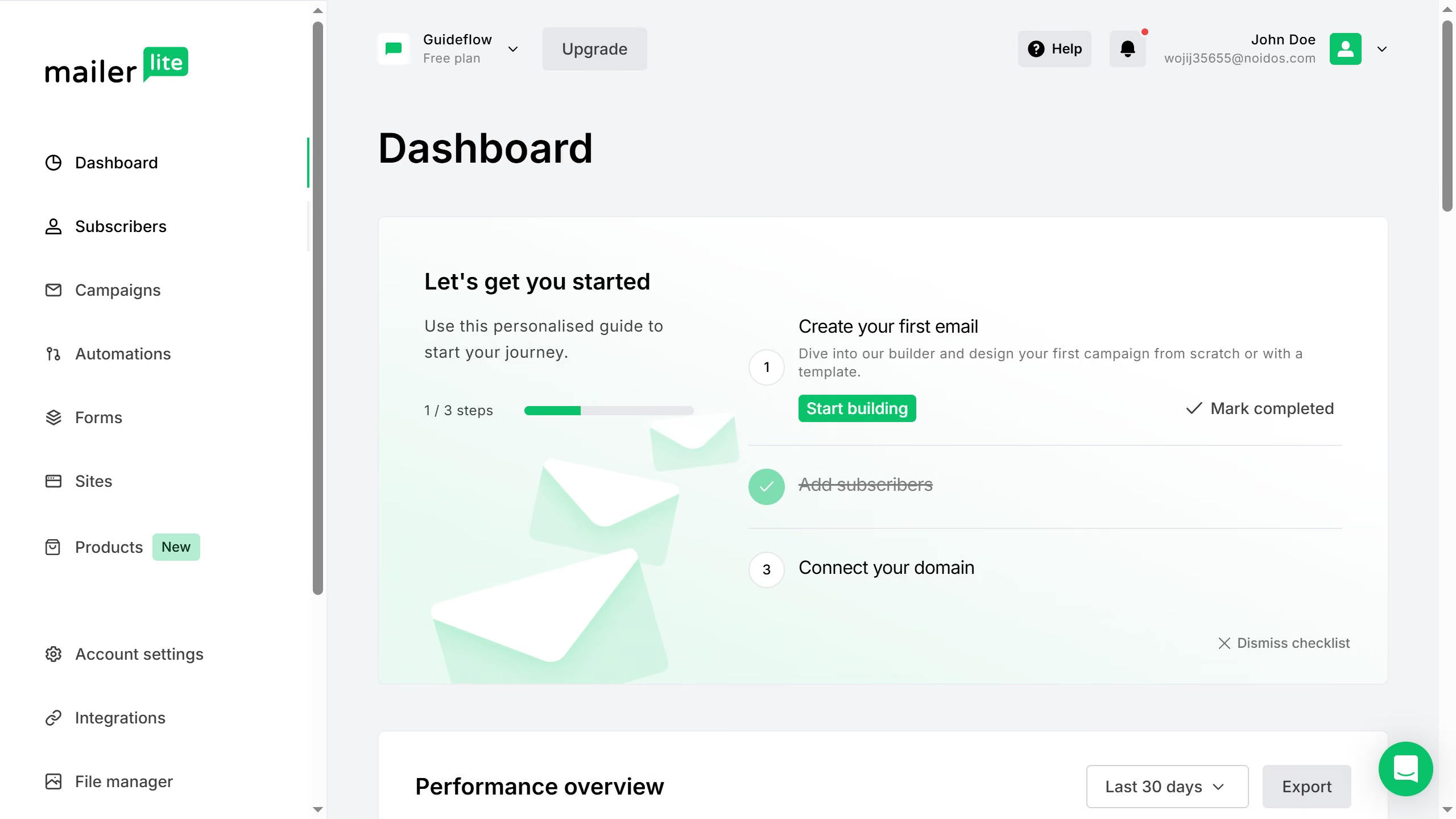
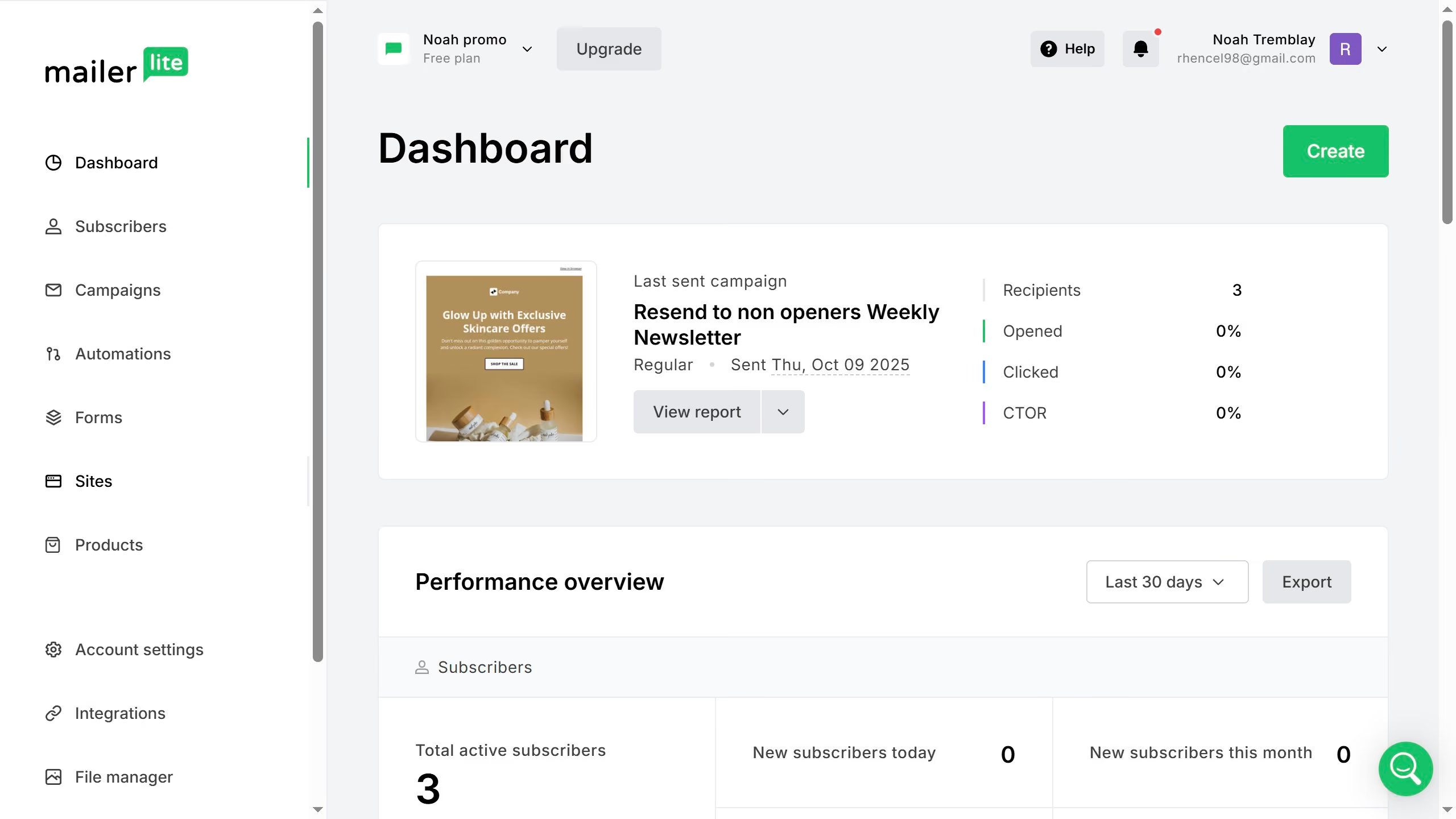
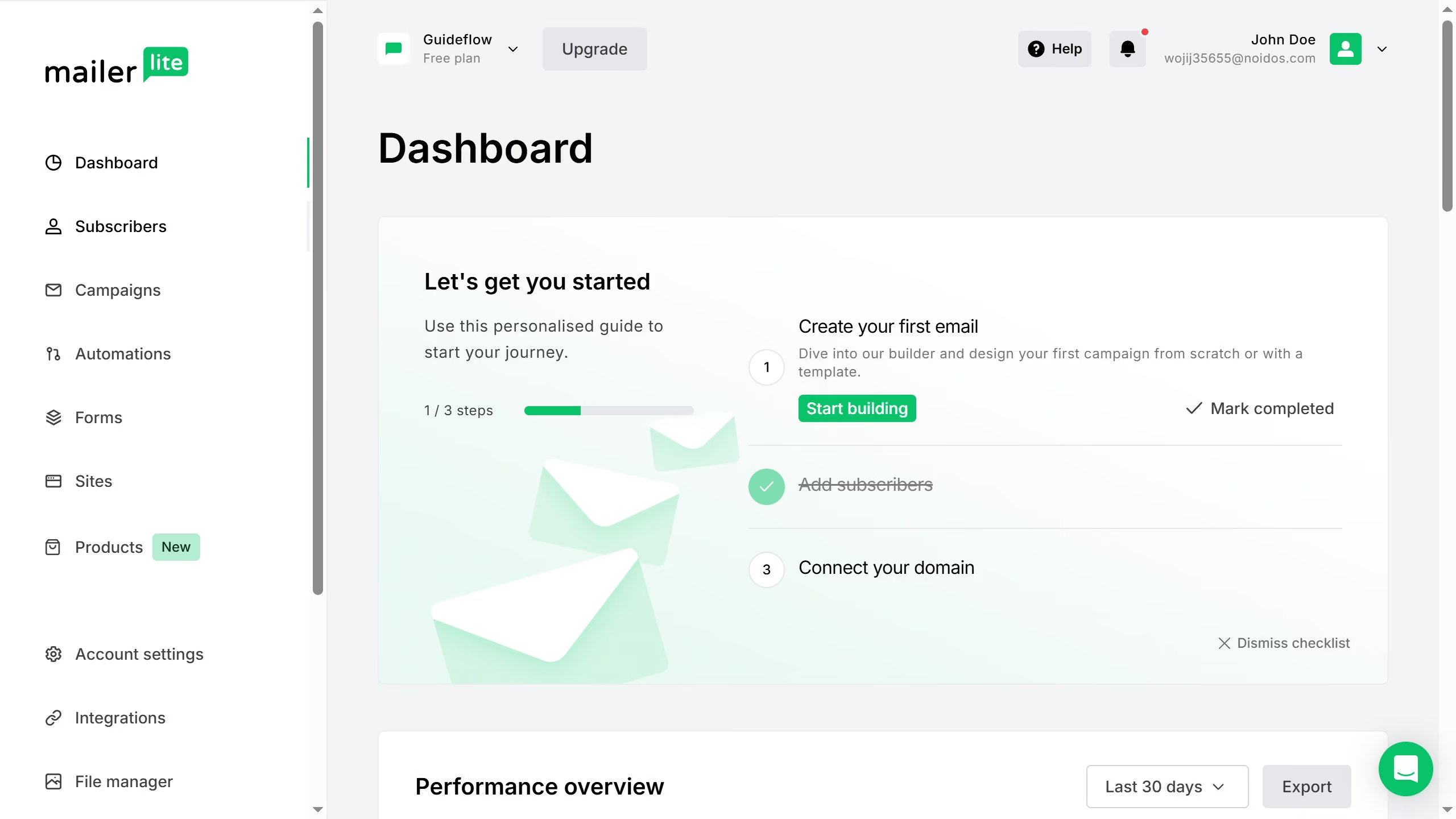
  1. First click on "Forms" in the left sidebar menu
  2. Then click on "Promotions" tab in the Forms section
  3. Next click on "Overview" toggle button for the promotion pop-up you want to show on specific pages
  4. Click on "Edit behaviour" button in the form details section
  5. Sroll down in the Behavior menu
  6. Select "Show on specific pages" radio button in the Visibility section
  7. Click in the URL input field and type in the URL you want to show the promotion pop-up
  8. Finally click the "Save changes" button to apply the settings

Create your own interactive guide with Guideflow

Why should you show promotion popup only on specific pages in Mailerlite

Mailerlite is a powerful tool designed to simplify your email marketing campaigns with efficiency and ease.

One standout feature is its ability to show promotion popups only on specific pages. This means you can target your audience more precisely, ensuring that your message is relevant and timely.

By focusing on specific pages, you increase the chances of conversions as customers encounter offers when they are most engaged. It also enhances the experience by avoiding unnecessary distractions on unrelated pages, catering directly to user interest.


Last update
March 17, 2026
Cursor MariaA cursor points to a button labeled "James."

Create your first demo in less than 30 seconds.