How to delete multiple segments in Mailerlite
Here is how to delete multiple segments in mailerlite
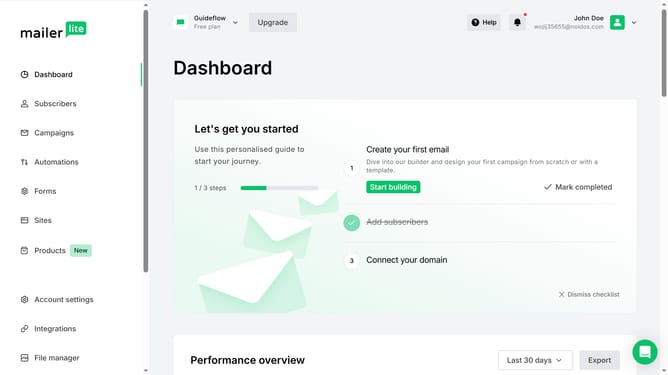
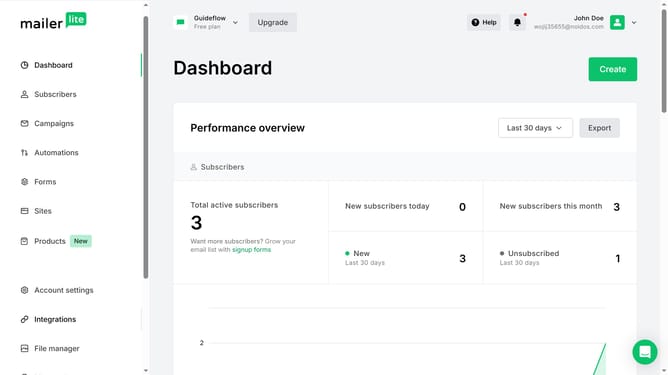
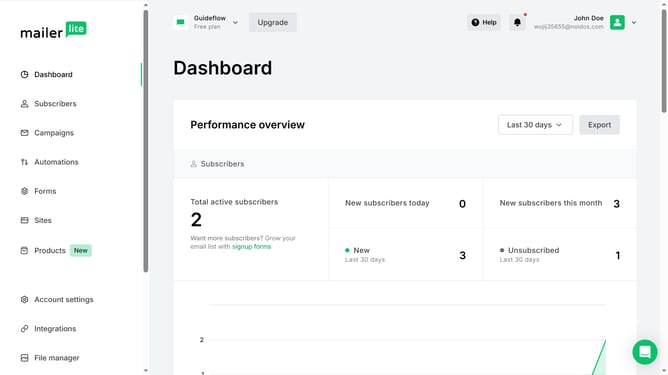
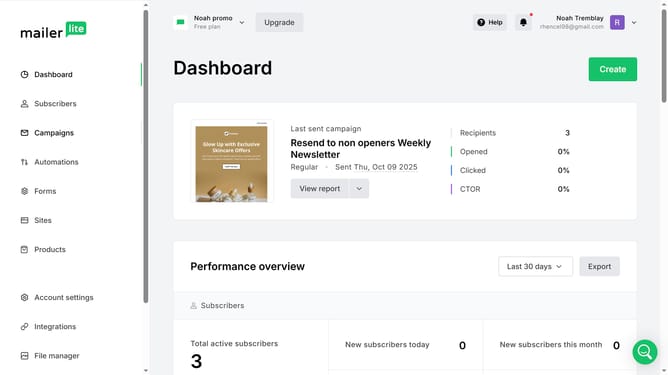
- First click on "Subscribers" in the left sidebar menu
- Then click on "Segments" tab in the top navigation
- Next click on the checkboxes next to the segments you want to delete
- After that click on "Delete" button in the segment actions menu
- Finally click on "Delete" button in the confirmation dialog
Why should you delete multiple segments in Mailerlite
Mailerlite is a powerful email marketing platform designed to elevate your outreach efforts seamlessly.
A standout feature is the ability to delete multiple segments, making list management efficient and straightforward.
This function helps keep contact lists organized, removing outdated or irrelevant information with ease.
By streamlining your audience segments, you improve targeting accuracy and ensure your marketing campaigns reach the right people, enhancing engagement and driving results.
Last update